
 David Hamilton
Ultrapic combines an array of user-friendly, AI-driven editing capabilities for quick and effortless professional quality graphics creation. UltraPic was engineered for those who require clean graphic images quickly including E-commerce retailers, marketing agencies, designers and content producers alike.
What sets UltraPic apart from the crowd of alternative services is their integration of high-quality automated background removal along with bulk editing capabilities into an easy to use web-based workflow that contains no complicated editing tools or watermarks allowing you to generate quality images in a fraction of the time compared to most competitors.
Features
UltraPic key features
– Batch Editing
– Platform-Ready Outputs
– AI-Generated Backgrounds
– Photo Enhancements & Adjustments
– Watermark Removal
– Intuitive Browser-Based Workflow
– High-Quality Output
– Image Geometry Tools
– Support for Common Formats
UltraPic giveaway
How to get UltraPic giveaway?
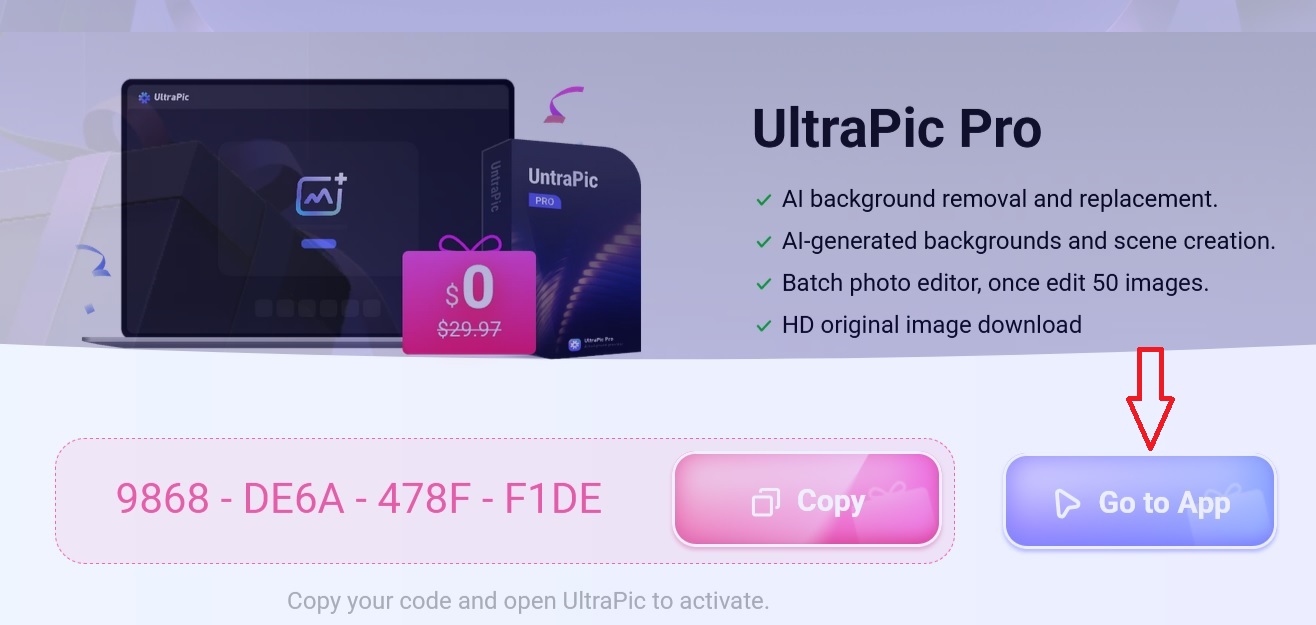
- First of all visit the official UltraPic giveaway page https://www.ultrapic.com/partners/gift-code.html
- Copy the code 9868-DE6A-478F-F1DE and click on “Go to App” tab from the official giveaway page above
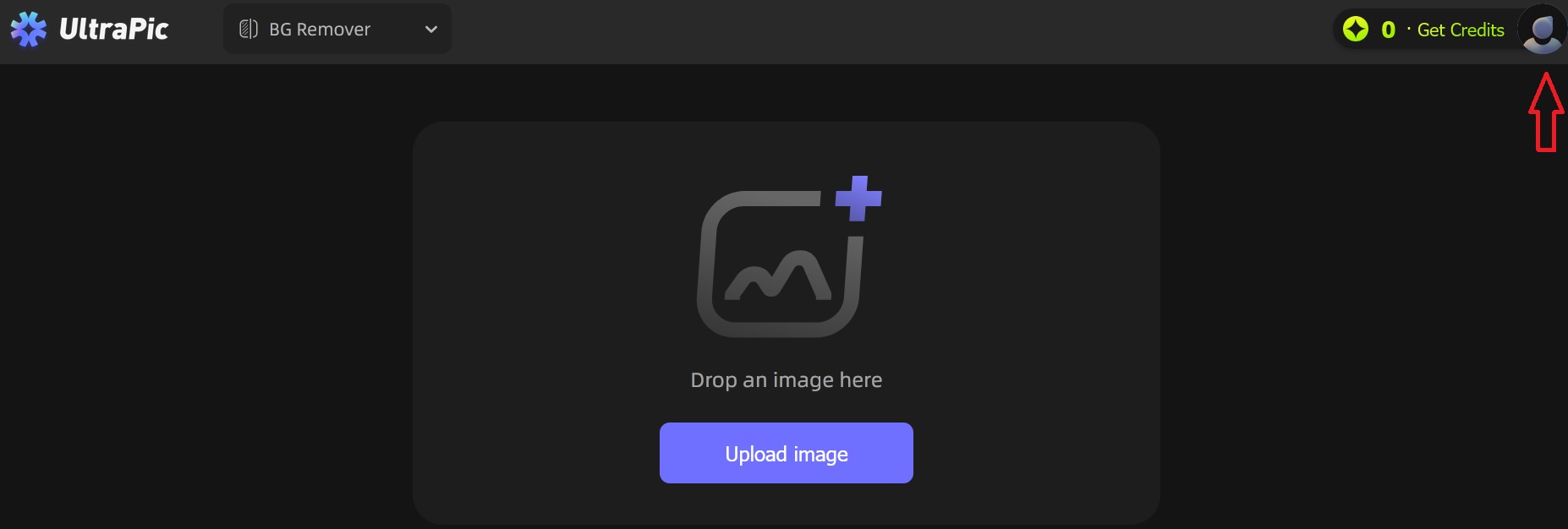
3. Click on avatar at the top-right corner next to “Get credits”
4. Choose the desired method to create a free account
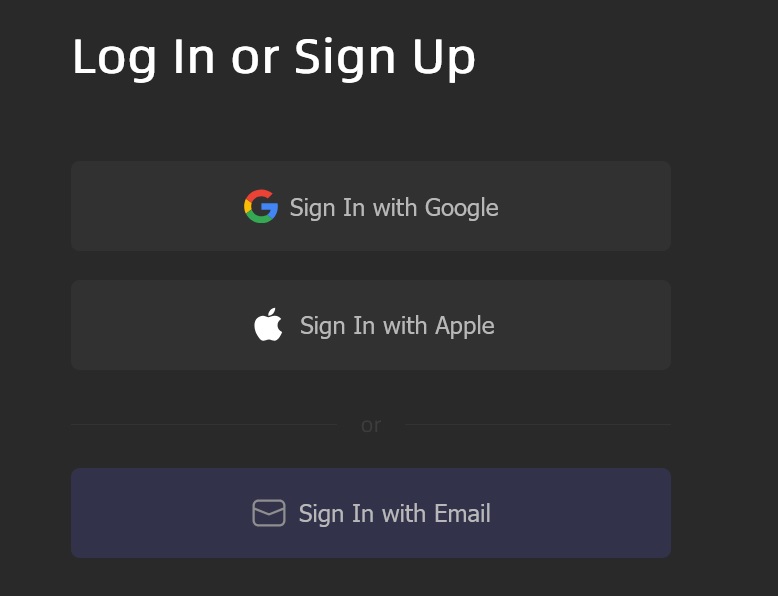
5. Sign in on the next step
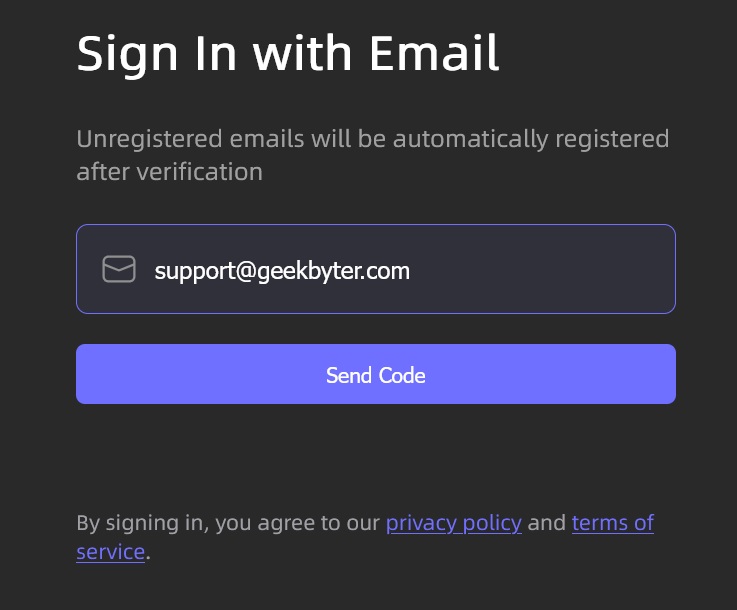
6. Enter verification code sent to your email address if you have chosen email signin
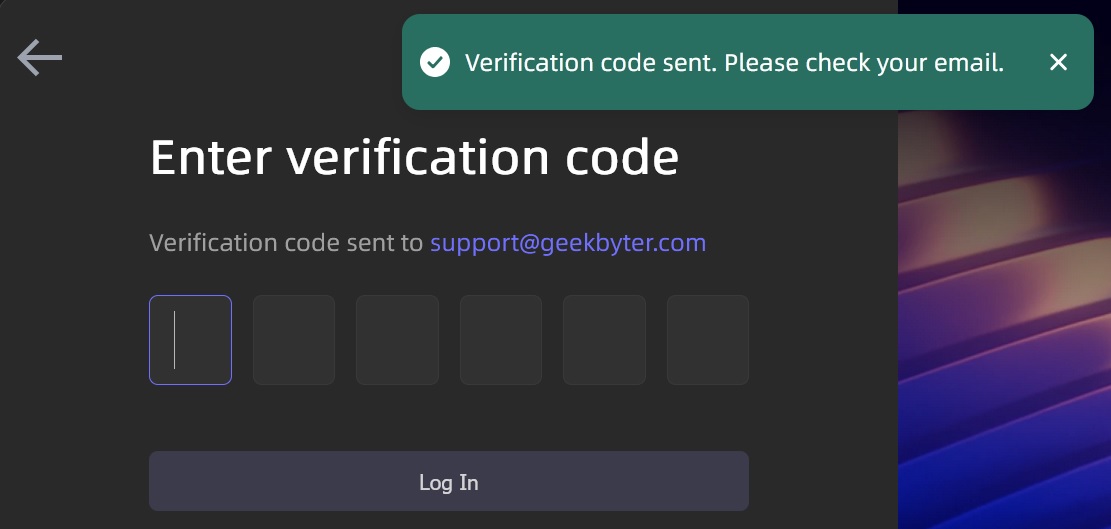
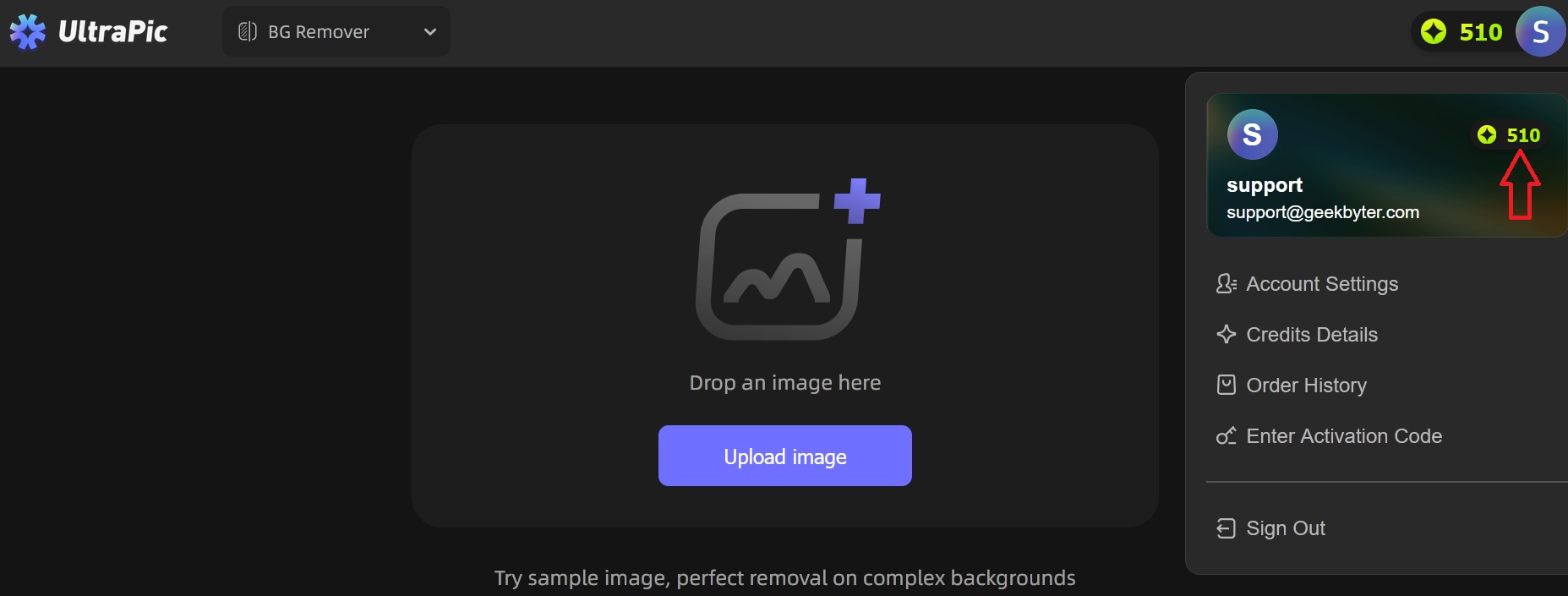
7. After you enter verification code you will be redirected to your account. As a bonus you will see that 10 credits are already assigned to your account. Click on your avatar at the top-right corner -> enter activation code -> and paste the 9868-DE6A-478F-F1DE to activate a free version to fully functional UltraPic Pro version.
8. If the code is valid and not expired you will see the confirmation as on the screenshot below.
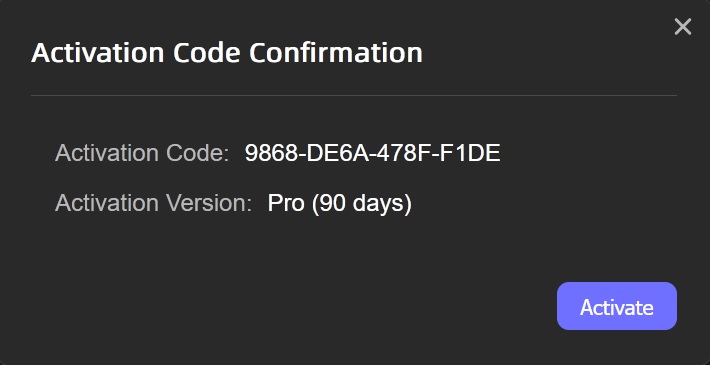
9. Click on “Activate” button to get extra 500 credits and enjoy UltraPic Pro version without any restrictions for 90 days free.
Comparison with competitors
Features comparison table with Remove.bg and Canva
| Feature / Criteria | UltraPic | Remove.bg | Canva |
| Primary Focus | AI product image editing & background removal | AI background removal only | All-in-one design platform |
| AI Background Removal |  (one-click, high quality) | (very accurate, industry-leading) | (Pro only) |
| Batch Processing | (built-in batch editing) | ⚠️ Limited (mainly via API / desktop) |  No native batch removal |
| AI Background Generation | | | ⚠️ Limited (design elements, not AI scenes) |
| Editing Tools | Basic photo adjustments (crop, resize, enhance) | Very limited (background only) | Extensive (text, layouts, templates, branding) |
| Ease of Use | Very easy, beginner-friendly | Extremely simple | Easy, but more complex due to many features |
| E-commerce Ready Outputs | (Amazon, Shopify, Etsy friendly) | ⚠️ Yes (but no layout tools) | ⚠️ Yes (manual setup needed) |
| Free Tier | Free usage available (limits may apply) | ⚠️ Preview only / low-res | Background removal requires Pro |
| Watermark on Export | No watermark | No watermark | No watermark (Pro) |
| API & Integrations | Limited | Strong API & plugins | ⚠️ Limited for background removal |
| Online / No Install | | | |
| Best For | E-commerce sellers, fast product visuals | Developers, photographers, automation | Social media, marketing & design teams |

