

 David Hamilton
Ashampoo Burning Studio 2027 free version is here! The giveaway for the popular Windows-based multimedia and optical-disc burning application designed for creating, copying, managing and backing up data on CDs, DVDs and Blu-ray discs is open for everyone without download limits (unlimited time frame has been confirmed with the official representative).
- All-in-one solution
- Beginner-friendly interface
- Wide disc compatibility
- Scratch protection
- Multi-disc backups
- Audio CD ripping
- External device backups
- Cover design included
- Windows ARM support
- Windows only
- Requires an optical drive
- Internet activation
Steps to get Ashampoo Burning Studio 2027 giveaway
- First of all visit the official giveaway page at https://www.ashampoo.com/loc/burning-studio-2027?coupon=VNRLPA&download-eid=OeExxvIgSd1lwmyq6amD9c6uVHaKjztB&noup=1 and click download button
- The size of the installation file is about 105 Mb so it won’t take you long to complete the download.
- The installation also didn’t take much time I believe it was less than a minute.
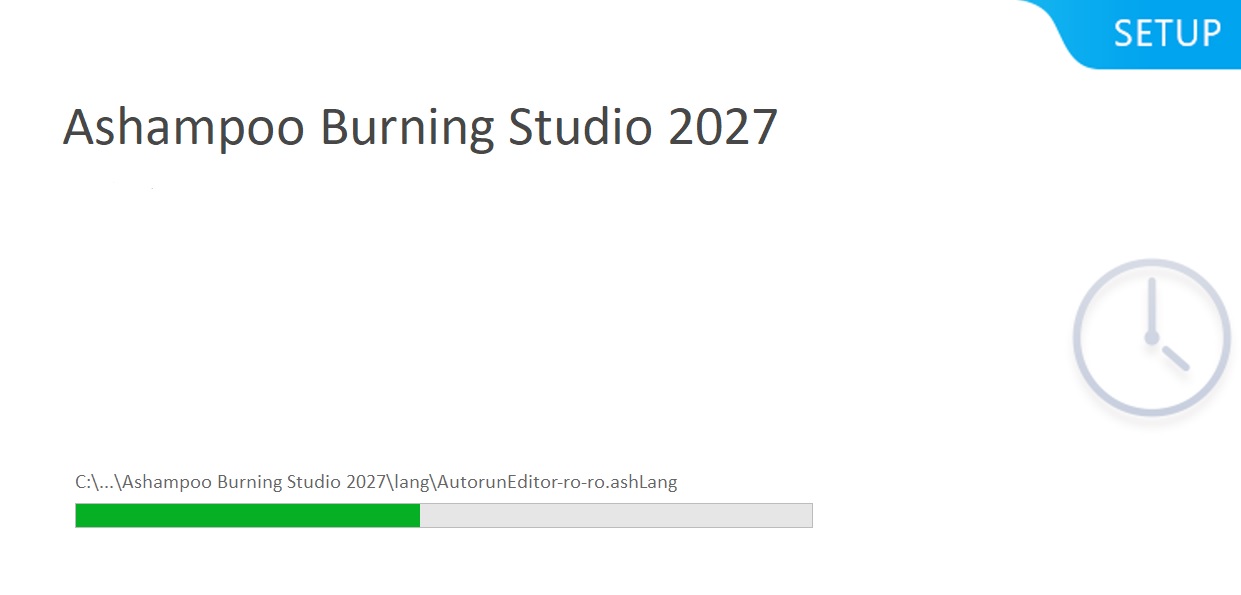
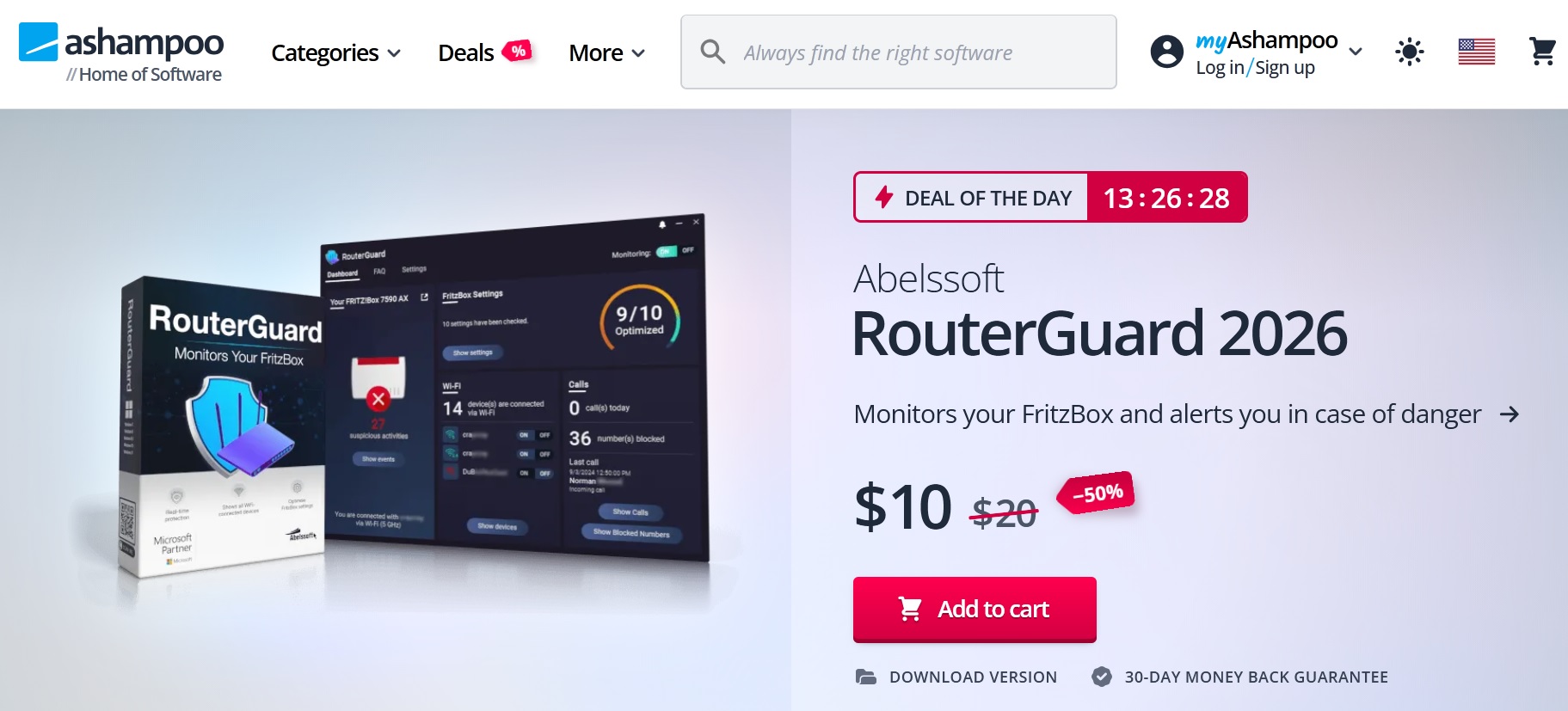
4. After the installation I clicked “launch the program” button and was redirected to the “Deal of the Day” page which was the home page of Ashampoo site.
5. On the first launch I had a pop-up window to change the minimum resolution to 1536×1152 and 144 DPI to avoid graphics problems.
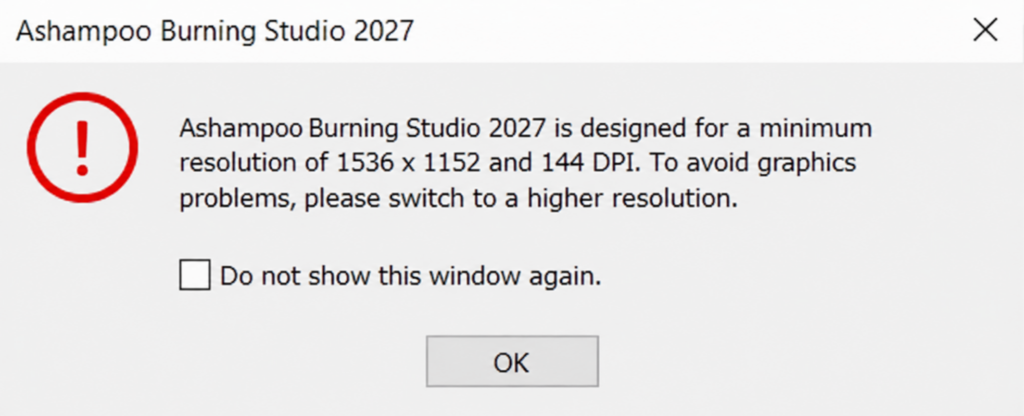
6. My maximum laptop resultion is 1920×1080 and I was little confused but after spending several minutes in chatGPT the solution was found. Just in case you face a similar issue here is the solution:
- Right-click your Windows desktop.
- Select Display settings.
- Find Scale under Scale & layout.
- Change it to 100%.
- Keep your resolution at 1920 × 1080.
- Restart Windows.
- Try launching Ashampoo Burning Studio 2027 again.
In my case the scale was set to 150% and after changing it to 100% the issue was resolved.
7. On the next step you will have to create an account using your email address to activate the giveaway license.
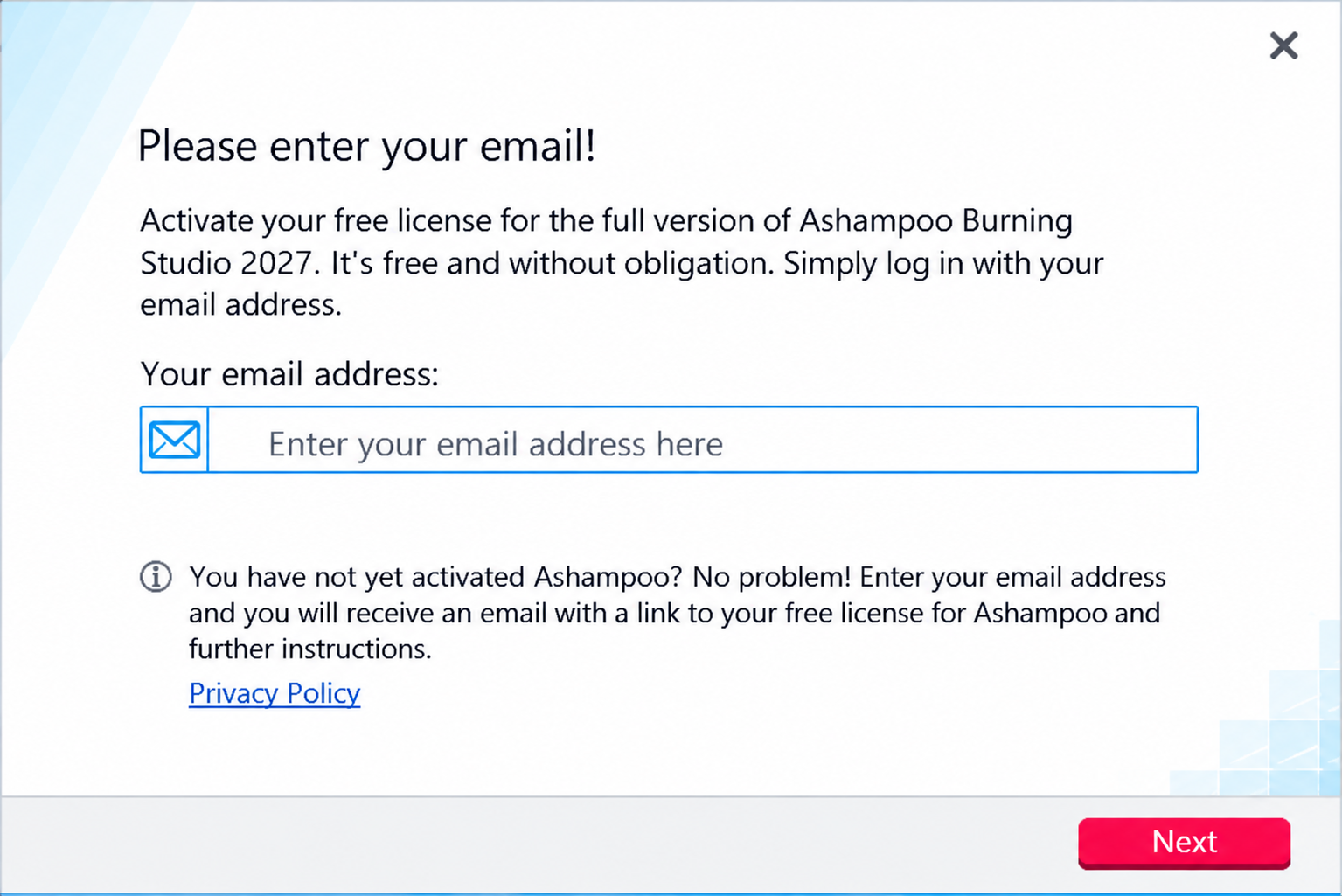
8. Then you will have to confirm your account using the link from your registration email.
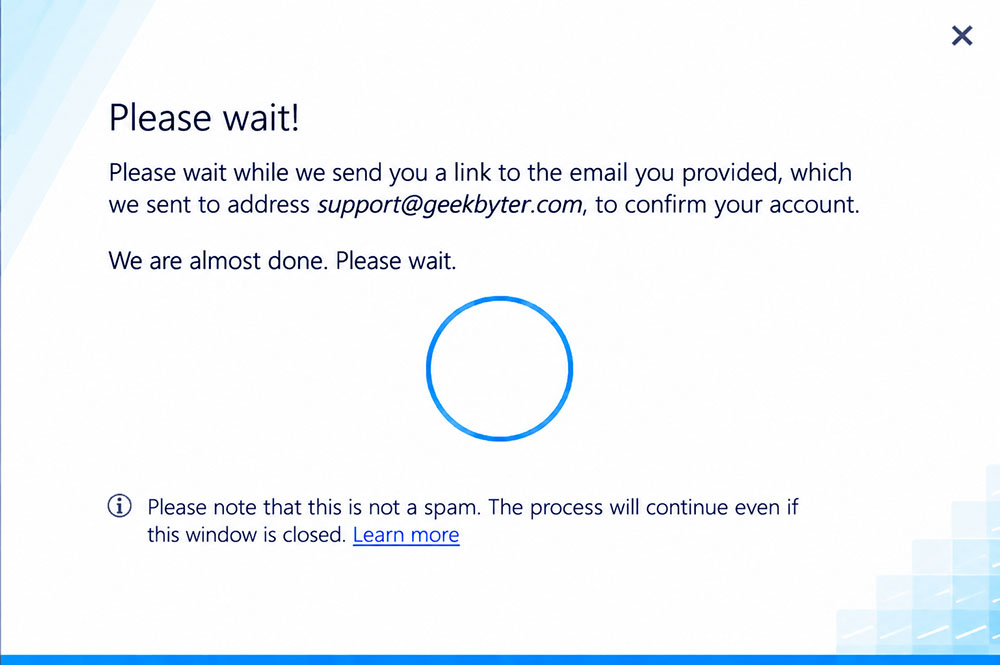
9. That’s all! Your free Ashampoo Burning Studio 2027 is activated.
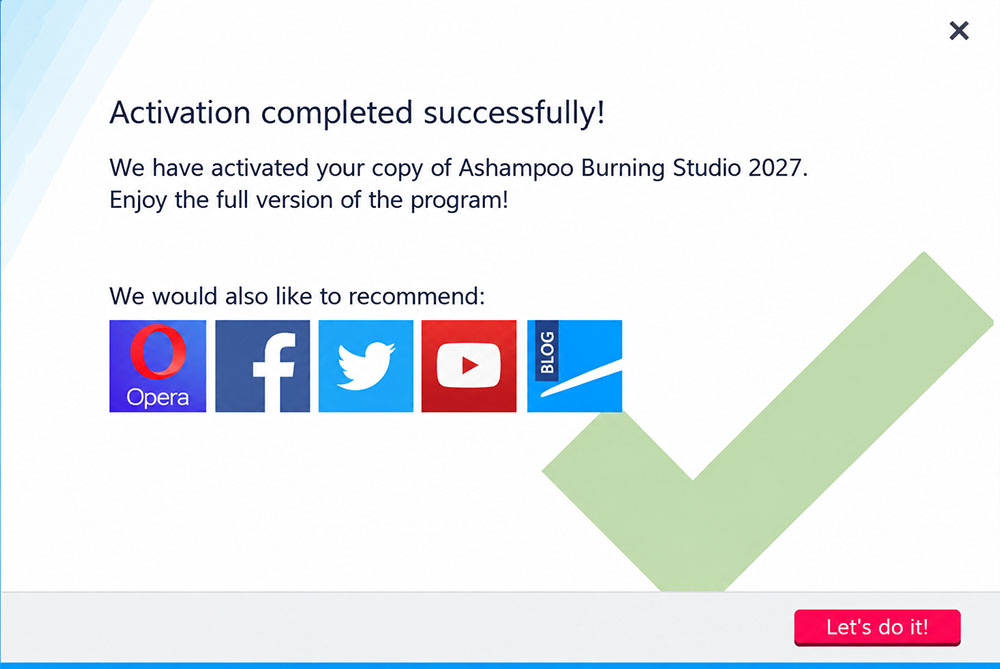
10. You can now use the full functionality of Ashampoo Burning Studio 2027.
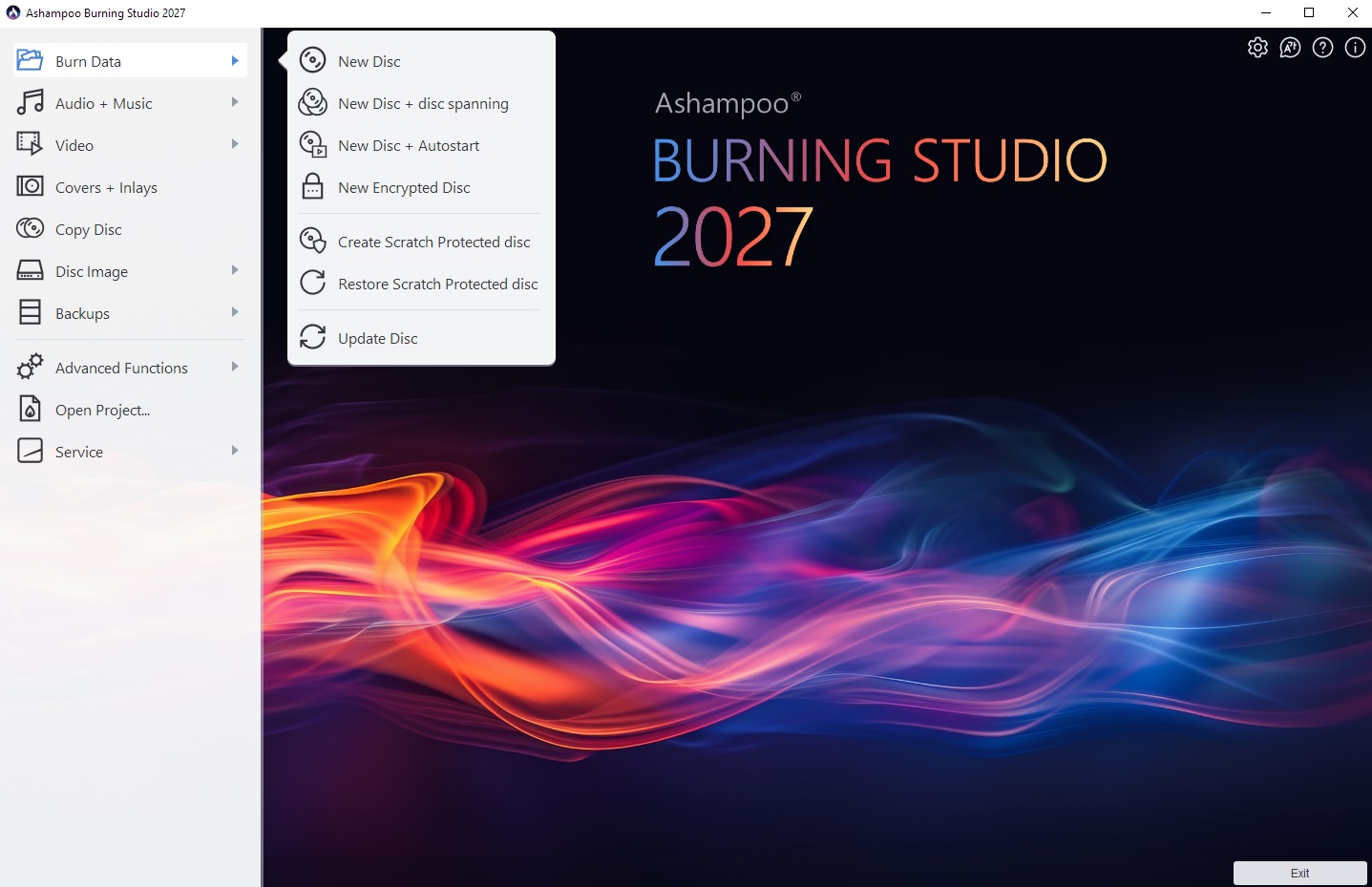
What can you do with Ashampoo Burning Studio 2027?
Ashampoo Burning Studio 2027 is more than a basic disc-burning utility. It combines several useful functions in one application:
- Burning files, folders, music and videos
- Copying CDs, DVDs and Blu-ray discs
- Creating and managing ISO disc images
- Extracting music from audio CDs
- Creating audio CDs and music collections
- Making photo slideshows and video discs
- Creating encrypted and password-protected backups
- Designing CD/DVD covers, labels and booklets
What to do if the giveaway has expired?
Don’t panic there is always a good chance to get a great discount either at the official Ashampoo deals page or our Ashampoo promo codes page. I would also recommend you to check the company’s social media account to check for a free version or a discounted one.
