IObit Advanced SystemCare 20 Pro Review 2026: Smarter Cleaning and Live Hardware Monitoring
IObit Advanced SystemCare 20 Pro is the latest version of IObit’s all-in-one Windows optimization suite. IObit announced it on October 15, 2026, saying it offers deeper cleaning, smarter scanning and real-time monitoring of key hardware indicators. It still combines junk cleaning, startup optimization, privacy protection and automated maintenance in one app. The big additions this year are a new Custom Clean tool, a faster multi-module scan engine, and live network and disk-temperature monitoring.
Pros&Cons
Pros&Cons | Check All Positive and Negative Sides
Features table
IObit Advanced SystemCare 20 Pro Features Table
| Supported systems | Windows 11, 10, 8.1, 8, 7, Vista and XP (per the 20.0.1 Free release) |
| PC Cleanup |  |
| NEW! Custom Clean (duplicates, large files, temp files) | |
| NEW! Multi-module Smart Scan | |
| NEW! Performance Monitor (RAM, CPU, disk, network, disk temperature) | |
| IMPROVED! Startup Optimization | |
| Expanded! Software Updater | |
| Web and browser protection, email protection | |
| Anti-spyware, Safe Folder, anti-tracking, real-time RAM optimization, AutoCare | Pro |
| Price | $29.99 / year for 1 PC $89.97 / year for 3 PCs |
| Website | https://www.iobit.com |
What's new?
What’s New: Version 20 vs Version 19
Version 19 was mostly about security and privacy. Version 19 added the Safe Folder and privacy protection, while the main changes in version 20 concern disk cleaning and system monitoring. According to IObit’s list of changes, version 20 brings:
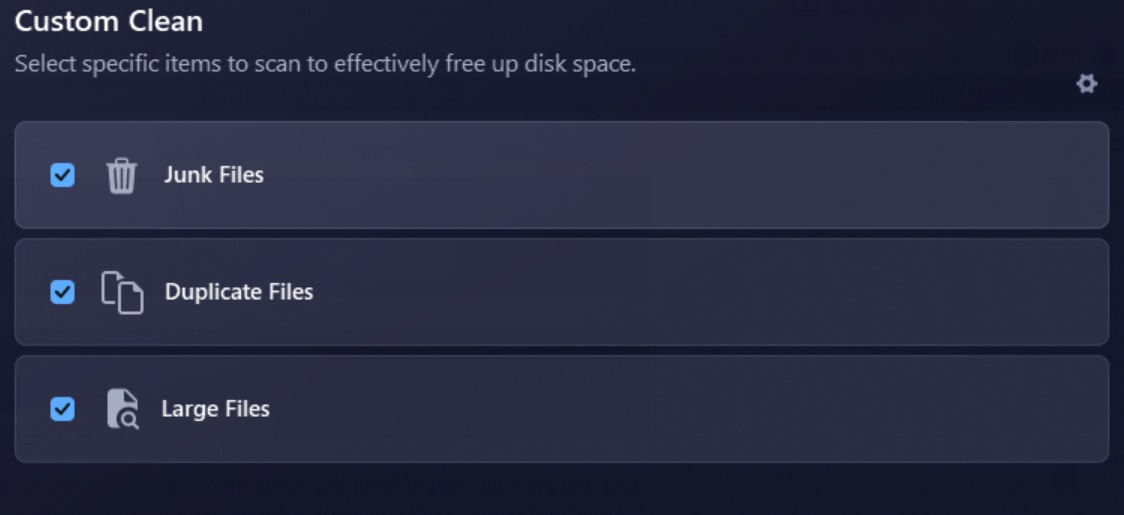
- Custom Clean. A new tool that searches a chosen drive for temporary files, duplicates and large files, and each of the three categories can be switched on or off before scanning. You can set size thresholds, choose how duplicates are matched (by name and size, MD5 hash, or byte-by-byte), decide between the Recycle Bin and permanent deletion, and exclude folders.
- New scan engine. Several modules are scanned at the same time, which noticeably cuts total scan time
- Network speed monitor. Live upload and download speeds, so you can spot background tasks hogging bandwidth.
- Disk temperature monitor. Real-time readings to help prevent overheating.
- Better junk cleaning. Leftovers from more apps, including Microsoft Store apps.
- Expanded anti-spyware database and improved startup optimization, handling more startup items.
- Updated Software Updater. It supports more popular third-party and Microsoft Store apps.
- Improved web protection and privacy cleaning. More ads and malicious sites are blocked, and more traces of activity are removed.
- Improved Safe Folder and a redesigned interface.
My personal experience
How to Use Advanced SystemCare 20 Pro
- Install and launch. Download from iobit.com and activate your Pro license.
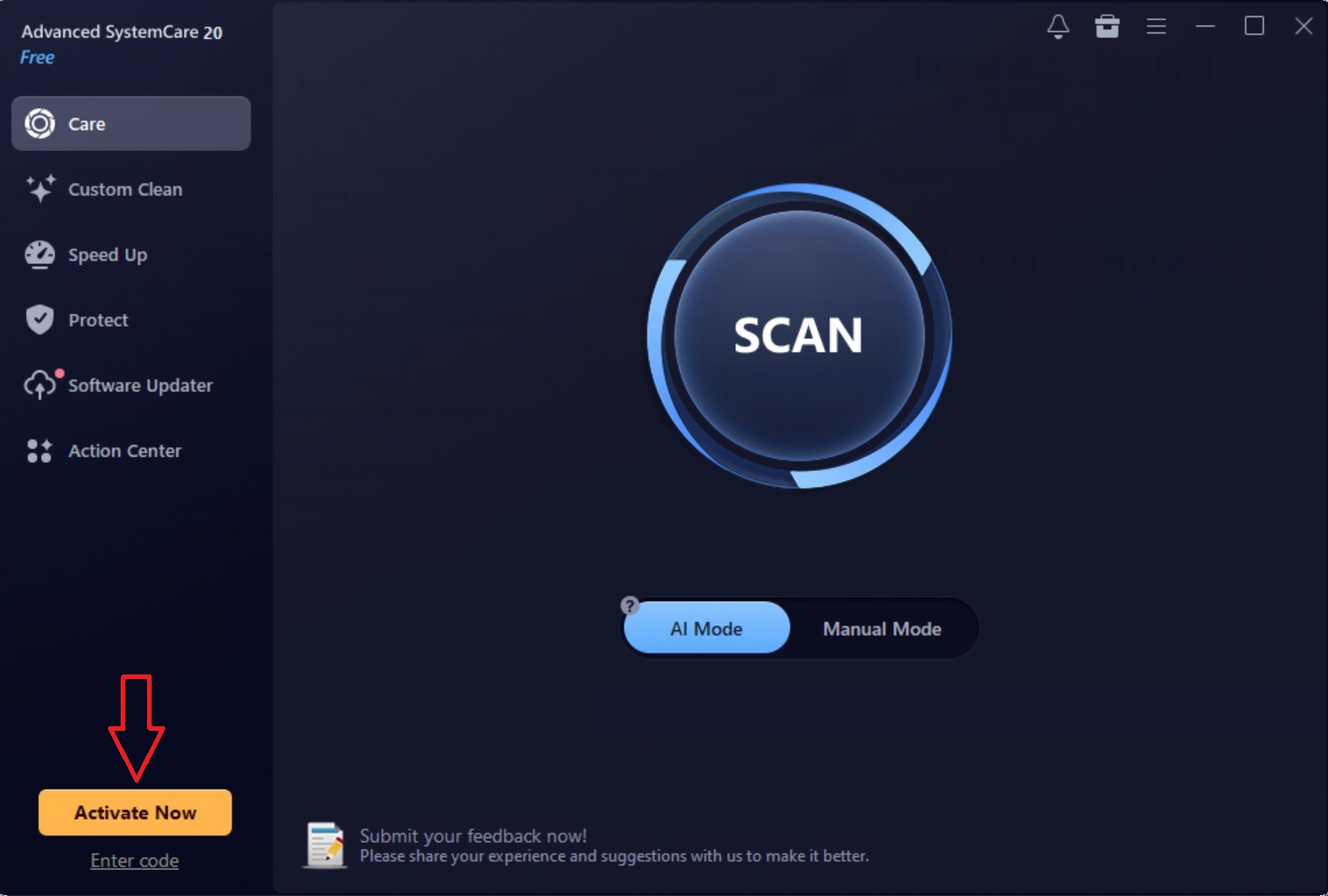
2. Run a Care scan. The home screen is built around a large start button. Click it to scan junk files, privacy traces, startup items and other issues, and review the summary.
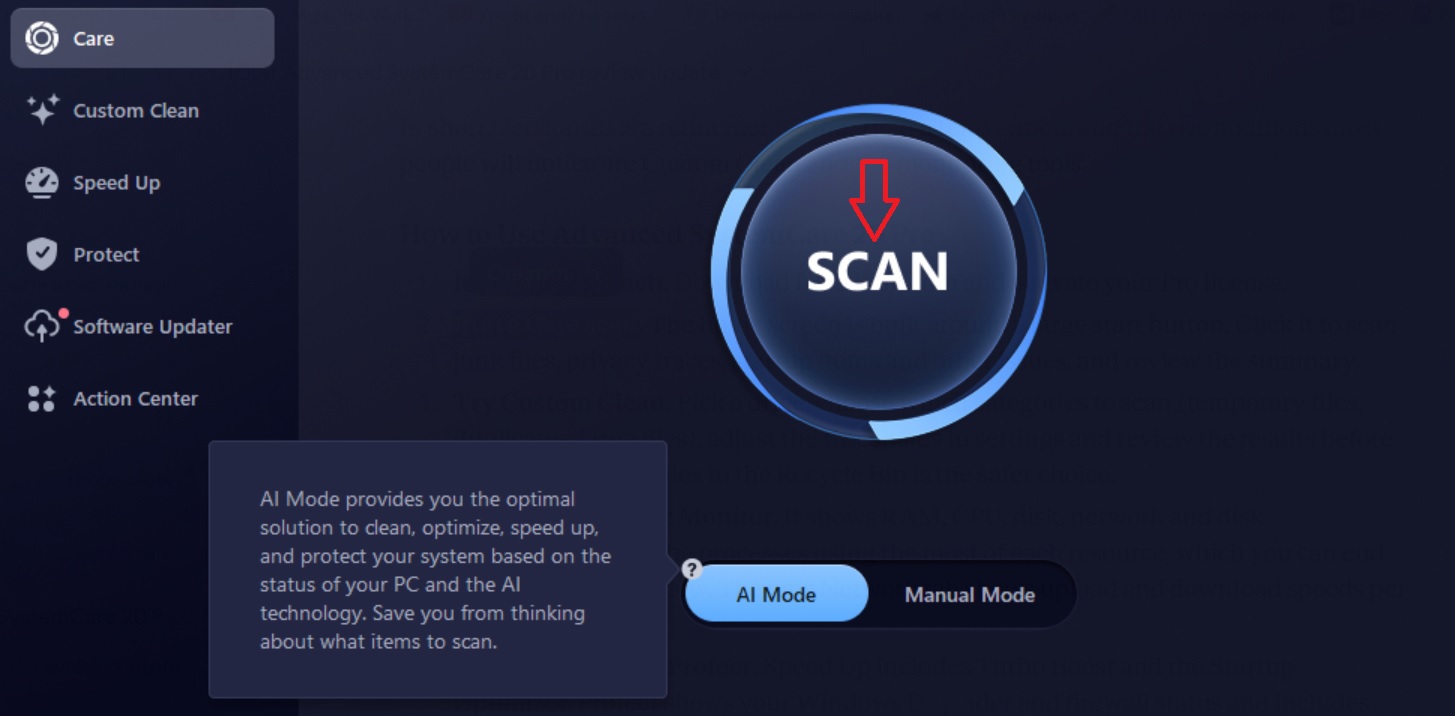
3. It took just a minute or so to scan 1 Tb hard disk in my case.
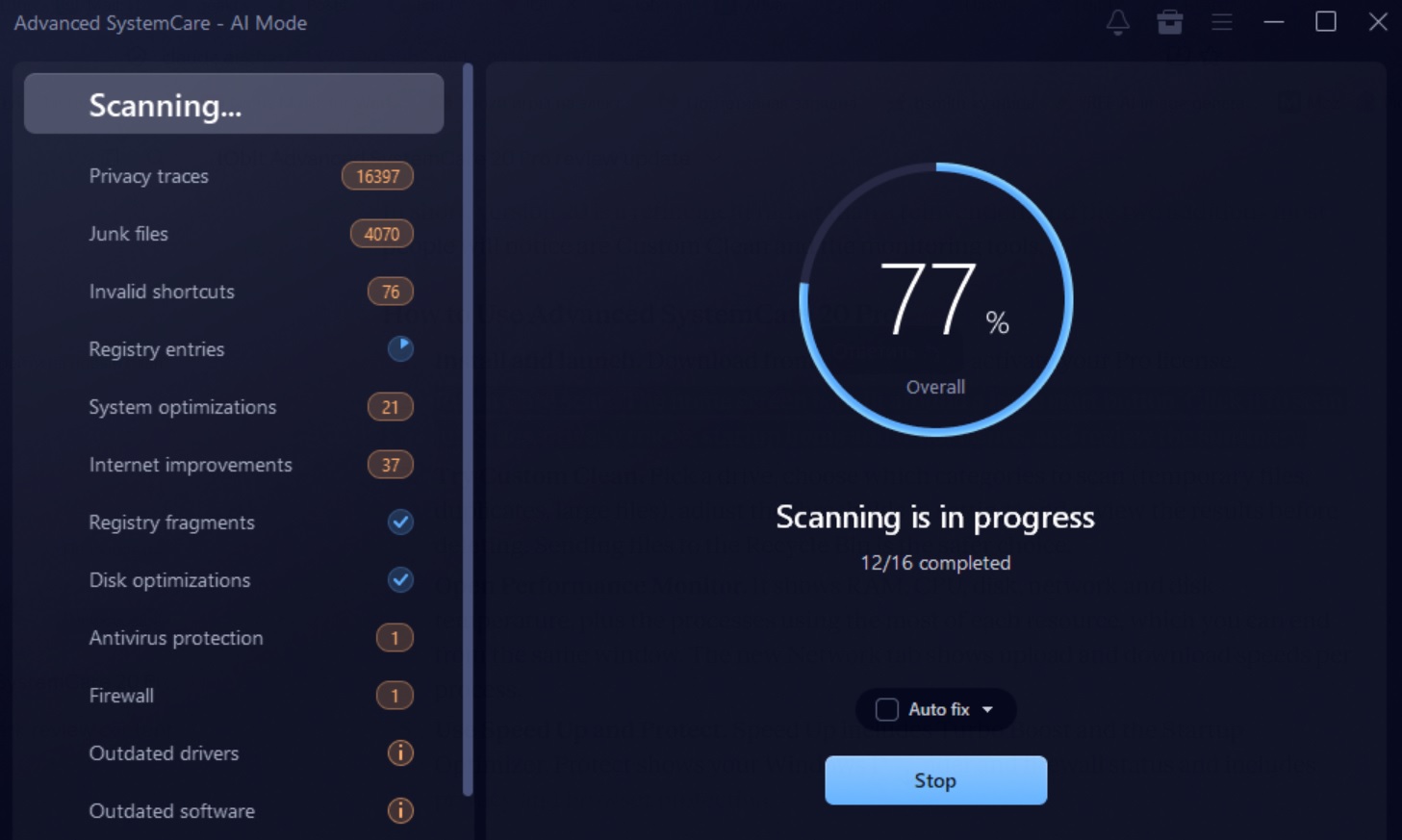
4. The software found about 23000 items to be fixed. I recommend to explore more details about each group of items by clicking the corresponding category from the left menu of the window.
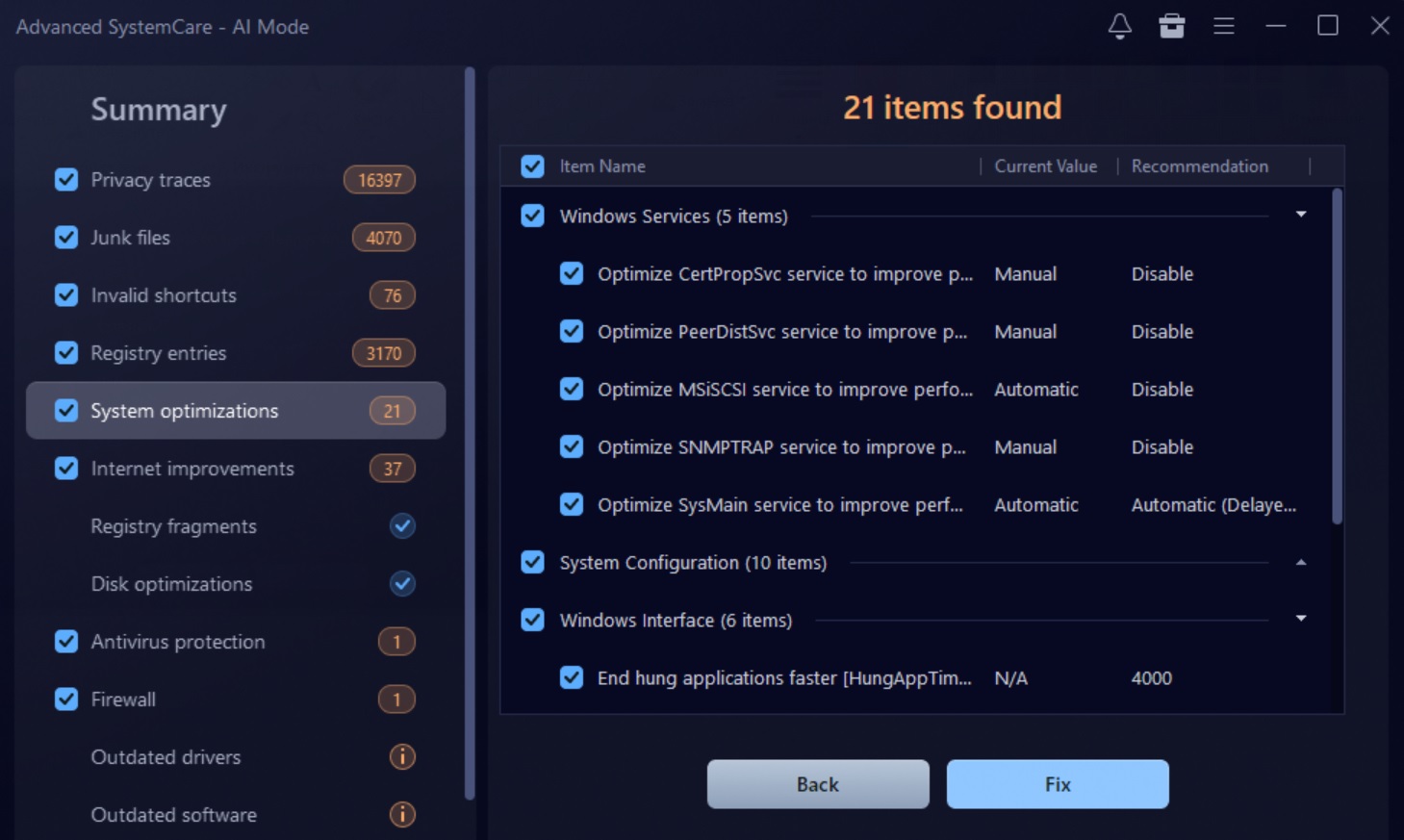
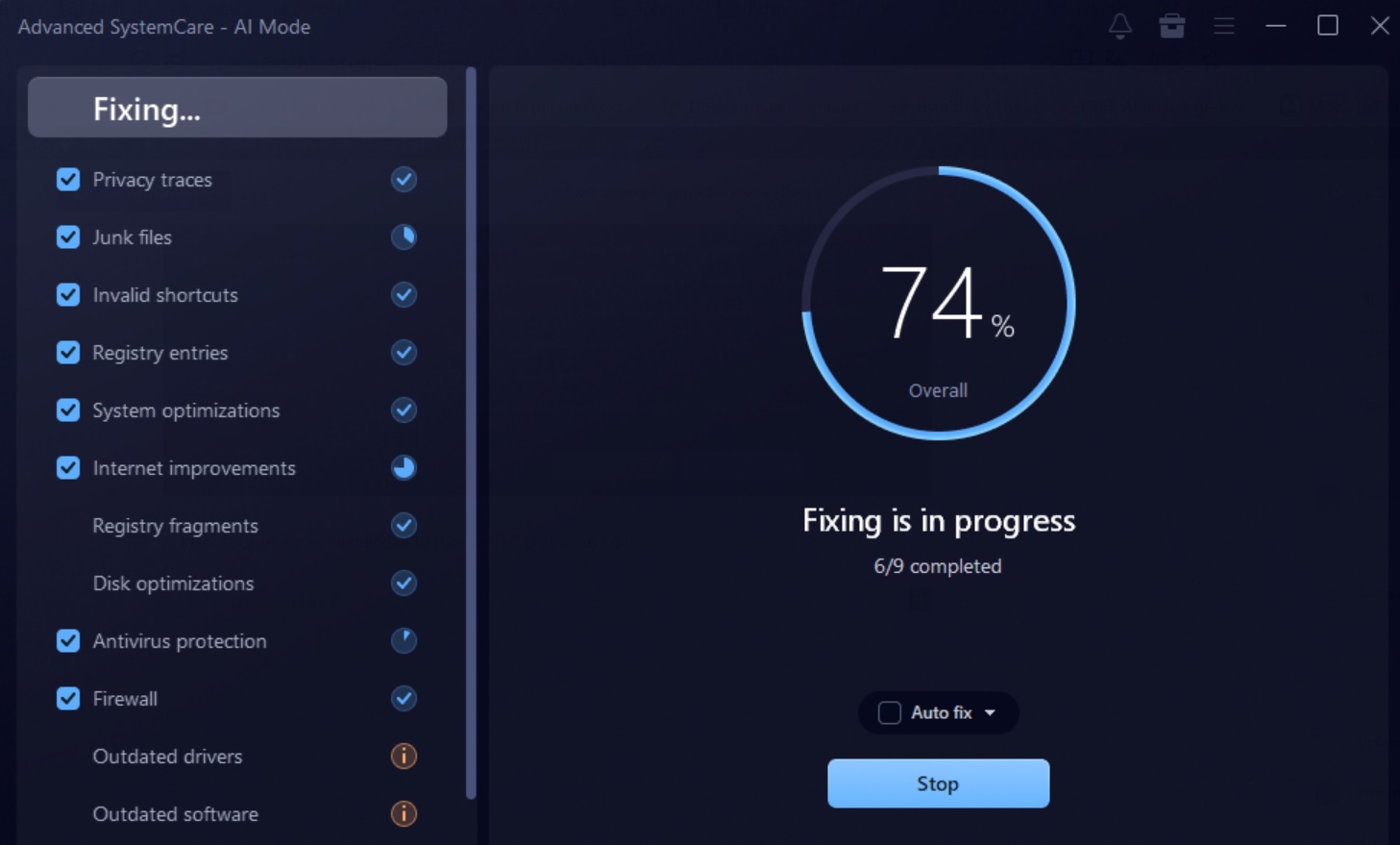
5. In most cases it’s recommended to choose “Fix” button, so I did.

6. Try Custom Clean. Pick a drive, choose which categories to scan (temporary files, duplicates, large files), adjust the thresholds in settings and review the results before deleting. Sending files to the Recycle Bin is the safer choice.
7. Open Performance Monitor. It shows RAM, CPU, disk, network and disk temperature, plus the processes using the most of each resource, which you can end from the same window. The new Network tab shows upload and download speeds per process.
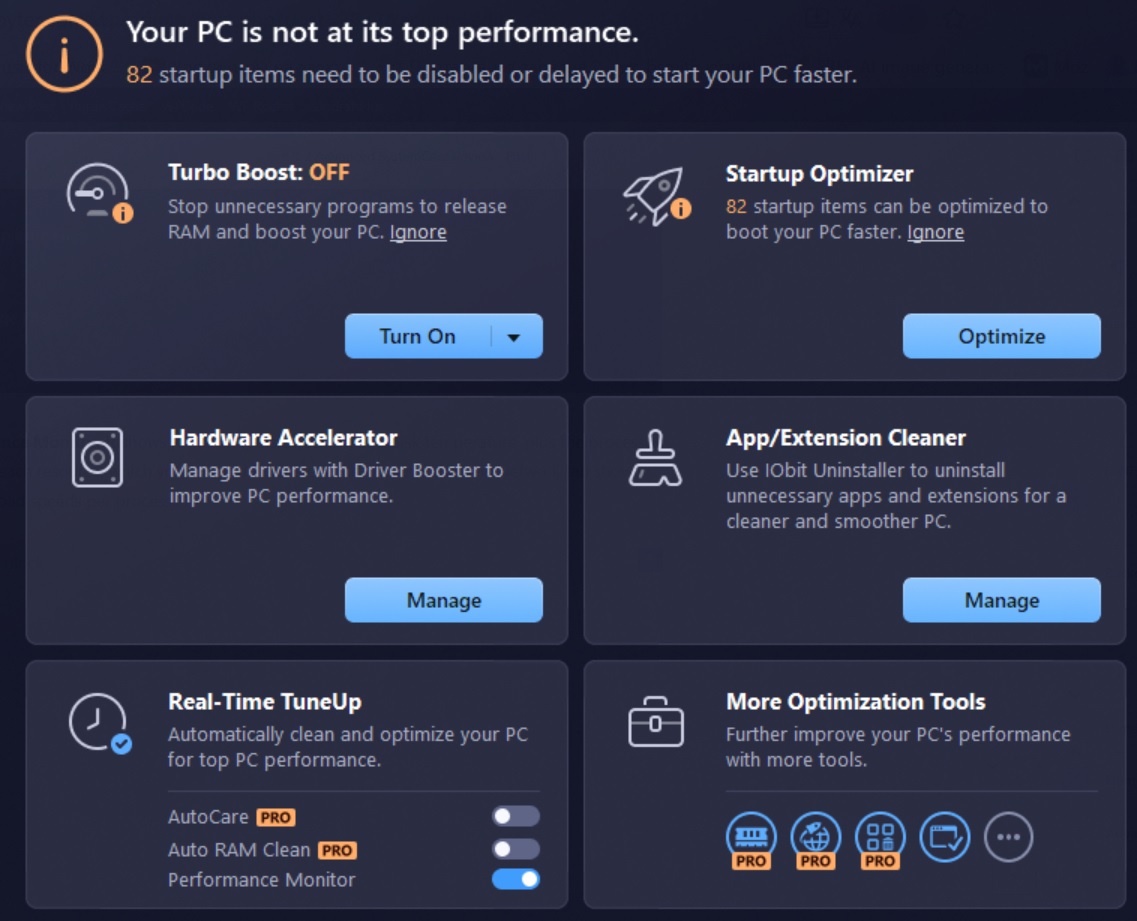
8. Use Speed Up and Protect. Speed Up includes Turbo Boost and the Startup Optimizer. Protect shows your Windows Defender and firewall status and includes privacy and browser protection.
9. Check Software Updater. It lists outdated programs so you can update them.
10. Enable AutoCare (Pro). It runs maintenance on a schedule or when the PC is idle.
Why use it?
IObit Advanced SystemCare 20 Pro: Why Should You Use It?
Advanced SystemCare is built for people who want PC maintenance without learning a dozen separate tools. One click can clean junk, tune startup, remove privacy traces and check for outdated software. Version 20 adds more control over where your disk space is going, and the live monitors help you notice slowdowns, runaway downloads or a hot drive before they become problems.
Free vs Pro
Advanced SystemCare Free vs Pro Comparison
| Feature | Free | PRO (Paid) |
| Basic junk-file cleanup | | |
| Basic system cleaning and optimization | | |
| One-click PC maintenance | | |
| AI-powered scanning and optimization | Limited | |
| Advanced junk and registry cleaning | Limited | |
| Custom Clean — large and duplicate files | | |
| Disk error checking and repair | | |
| Startup optimization | Basic | Enhanced |
| Scheduled automatic PC maintenance |  | |
| Automatic RAM cleaning | | |
| Real-time performance monitoring | Limited | Enhanced |
| Internet connection optimization | | |
| Registry defragmentation | | |
| Software updates in one click | Limited | |
| Automatic program updates | | |
| Basic spyware protection | | |
| Enhanced real-time spyware protection | | |
| Safe Folder for private files | | |
| Digital fingerprint protection | | |
| Automatic browsing-data cleanup and anti-tracking | Limited | |
| Protection against unauthorized app access | Limited | Enhanced |
| Automatic updates to Advanced SystemCare | Manual check | |
| 24/7 technical support | | |
IObit’s free version is capable, but some features are marked Pro and don’t work without a paid license. These include anti-spyware, Safe Folder, network footprint protection and anti-tracking, automatic real-time RAM tuning and cleaning, and AutoCare scheduled maintenance. If you want hands-off, automated care and the privacy tools, Pro is the version to get.
Features comparison table with top competitors
Advanced SystemCare 20 Pro vs Top Competitors
Feature | IObit ASC 20 PRO | ||||||
Junk and temporary-file cleanup | Advanced | | Advanced | Advanced | | | Deep |
Registry cleaning | | | | Advanced | | | |
Startup manager | | | | | | | |
Real-time monitoring / optimization | | | Performance Optimizer | | Automatic maintenance | Real-time protection | Background maintenance |
Scheduled / automatic cleaning | | | Selected automation | Scheduled tasks | Automatic maintenance | Automation | Auto-Clean |
Browser privacy cleaning | Advanced | | | Anti-Tracker | | | |
Internet optimization | | | | | Limited | Limited | Limited |
Software updater | | | | | Separate product available | Version updates | Application updater |
Duplicate / large-file tools | Version 20 tools | | Limited | Disk tools | Utilities | Separate tools available | DiskSpace Explorer |
Windows customization tools | Limited | | Limited | | | | Extensive |
File protection / secure deletion | Safe Folder | | | | File utilities | Separate Folder Hider | File Wiper / encryption tools |
Technical support | Priority / paid-tier support | Paid support option | | | | Premium support | Vendor support |
Reviews & Ratings
Advanced SystemCare 20 Pro Ratings & User Reviews
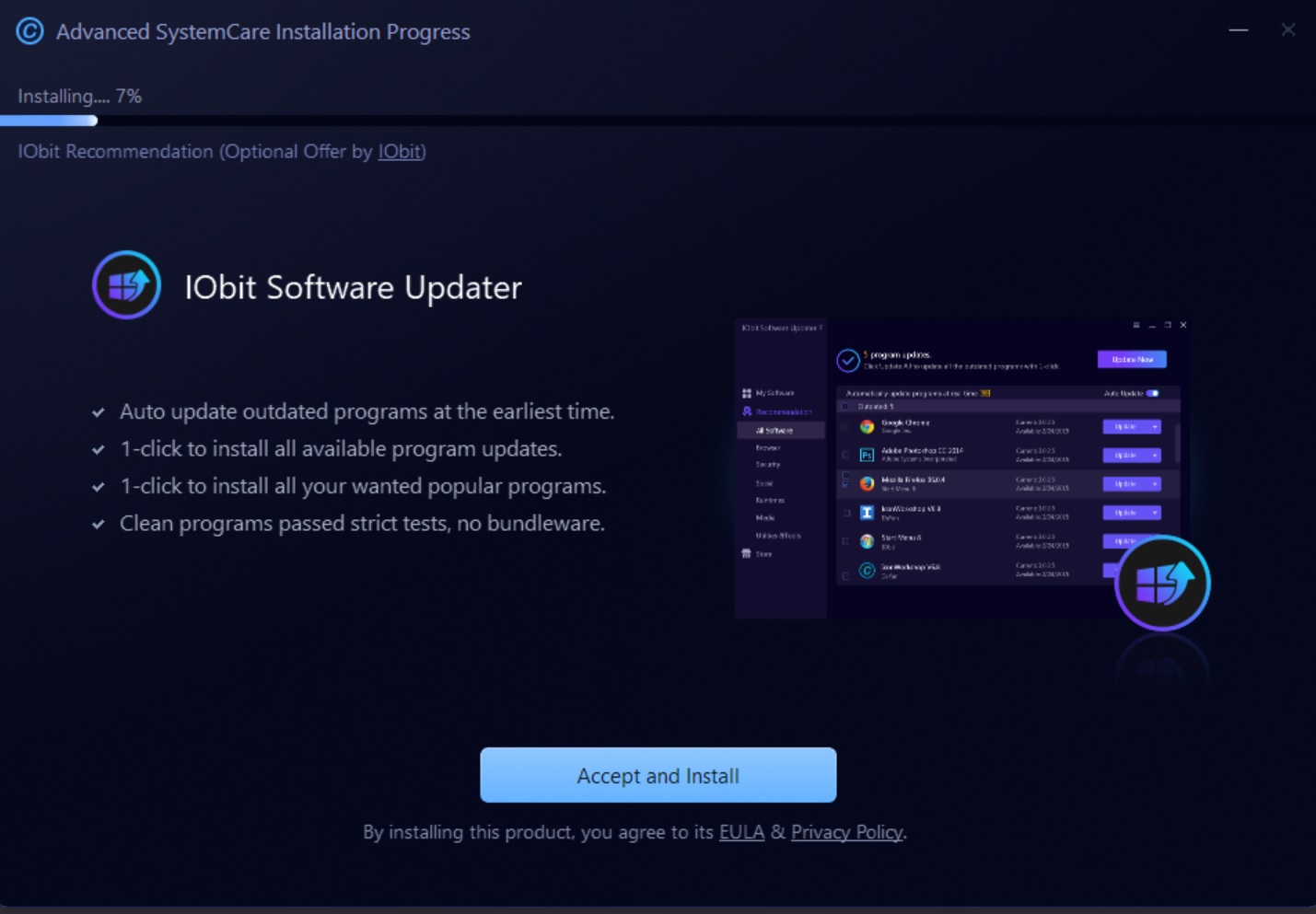
User feedback on the new version has been mostly positive on various social media platforms, including Facebook, Twitter, and Reddit. As per various user posts and comments about Advanced SystemCare 20 Pro, IObit has done a commendable job in designing a modern and sleek user interface that is intuitive yet user-friendly. Social media users have mostly been generous with their praise of the Advanced SystemCare 20 Pro barring a few complaints about IObit’s persistence with upselling apps even on the paid versions of its programs.
For a better understanding of the public attitude towards Advanced SystemCare 20 PRO, I checked several user review site Trustpilot. IObit earned a decent TrustScore of 4.6 out of 5 stars from over 2500 user reviews on Trustpilot. While a few users complained about the annoying ads and bloatware that are now an IObit staple, most of the reviews focussed on the affordability and efficiency of IObit’s software solutions. Numerous users emphasized the ease of use and reliable performance of the Advanced SystemCare 20 PRO with several claiming it to be the best PC optimization software they ever used.
The most common complaint in the original review was IObit’s habit of promoting other products inside the app, and version 20 still does this.
Conclusion
Should You Use It?
Advanced SystemCare 20 Pro is a worthwhile upgrade for existing users and a solid choice for newcomers who want one dependable Windows maintenance tool. Custom Clean, the faster scan engine and the real-time monitors address things people actually ask for: finding space hogs, scanning faster and spotting problems early. The persistent cross-promotion of other IObit apps and the Windows-only support remain drawbacks.