 David Hamilton
CBackup Professional is now available free to download for everybody at least till August 31, 2026 but the giveaway maybe extended. If you are not familiar with the software it is a Windows backup and recovery solution that combines traditional backup features (system, disk, partition, and file backup) with cloud backup and cloud-to-cloud synchronization capabilities. It is designed for users who want both local backup protection and integration with cloud storage services such as Google Drive, OneDrive, and Dropbox.
- Combines local and cloud backup
- Cloud-to-cloud Backup
- Users can connect multiple cloud accounts and combine available storage into a larger backup pool
- System migration and cloning
- Scheduled backups, incremental backups, retention policies, email notifications
- macOS or Linux systems are not supported
- The vendor states that mobile device backup and restore are not currently supported
CBackup Professional key features
- System, disk, partition, and file backup
- System, disk, and partition cloning
- Backup to local drives, external drives, NAS, and cloud storage
- Cloud-to-cloud backup and synchronization
- Scheduled and incremental backups
- File filtering and backup exclusions
- Outlook and email backup
- Bootable recovery media creation
- Backup encryption
- Email notifications
- OS migration to SSD/HDD
- Backup retention schemes and version management
How to get CBackup Professional giveaway?
- Fiest of all visit the official giveaway page at https://apps.cbackup.com/giveaway-geekbyter or https://apps.cbackup.com/giveaway-now
- Copy/paste the gift code: CBPC-DR2V9-TTRYB-Z4FRC and click on “Download Freeware”

3. It will take a couple of minutes to download about 130 MB file size
4. Click “Install Now” button
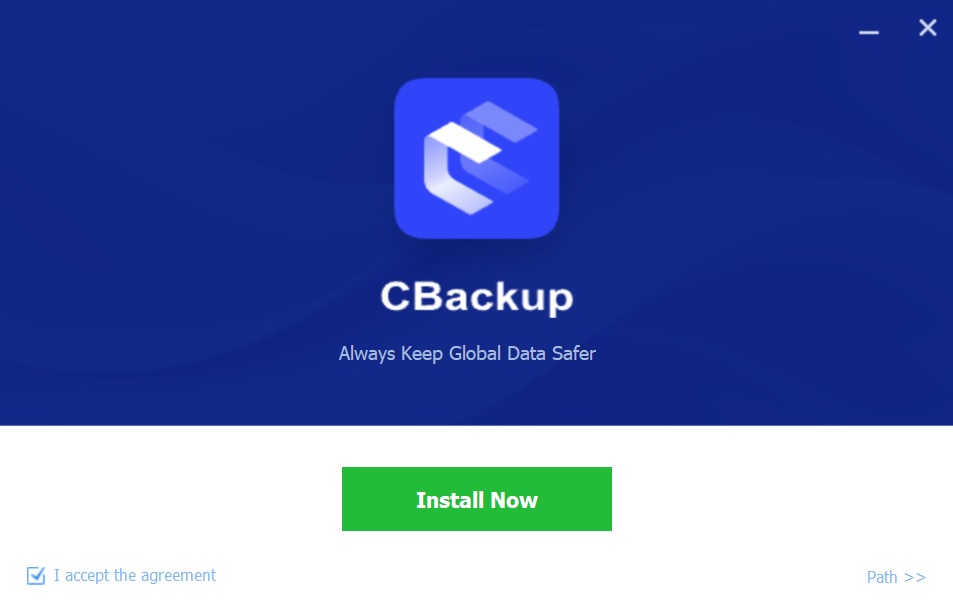
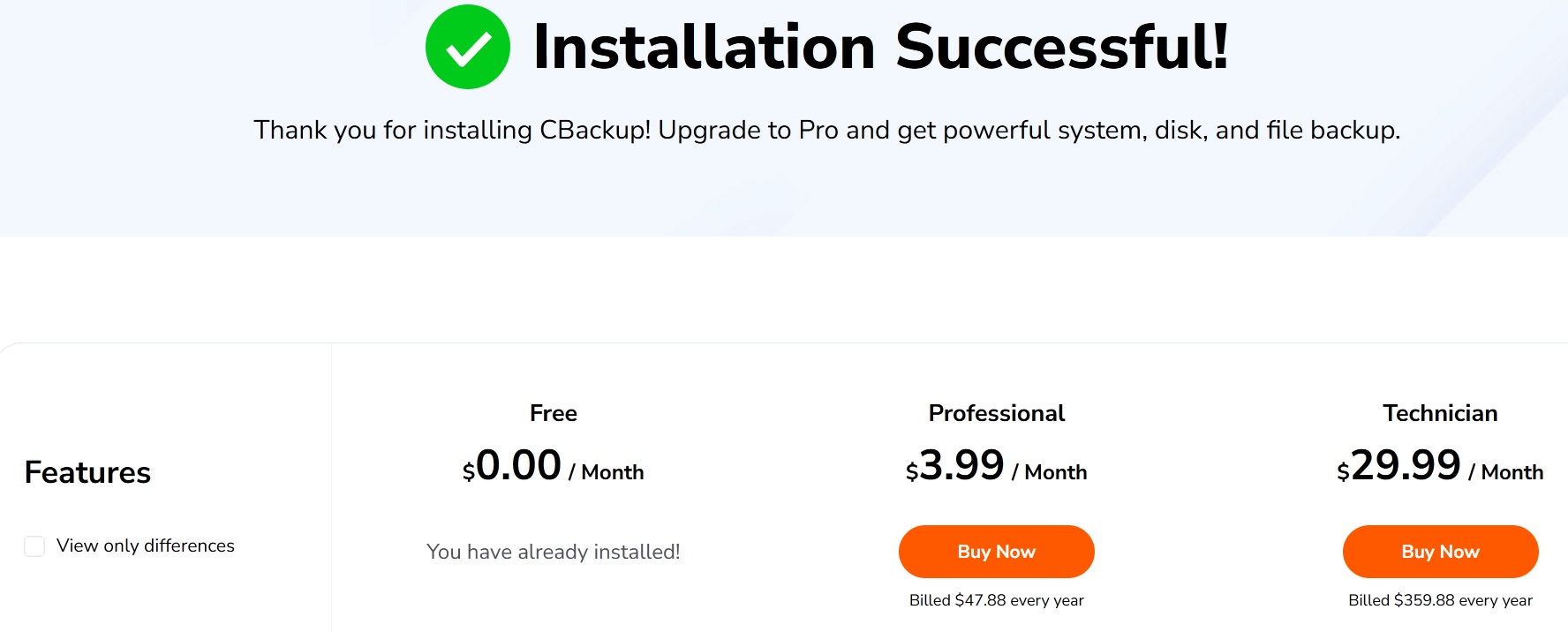
5. After the successful installation you will be redirected to the pricing page where you can check the limitation of freeware version (which you have already installed) with CBackup Professional and Technician editions.
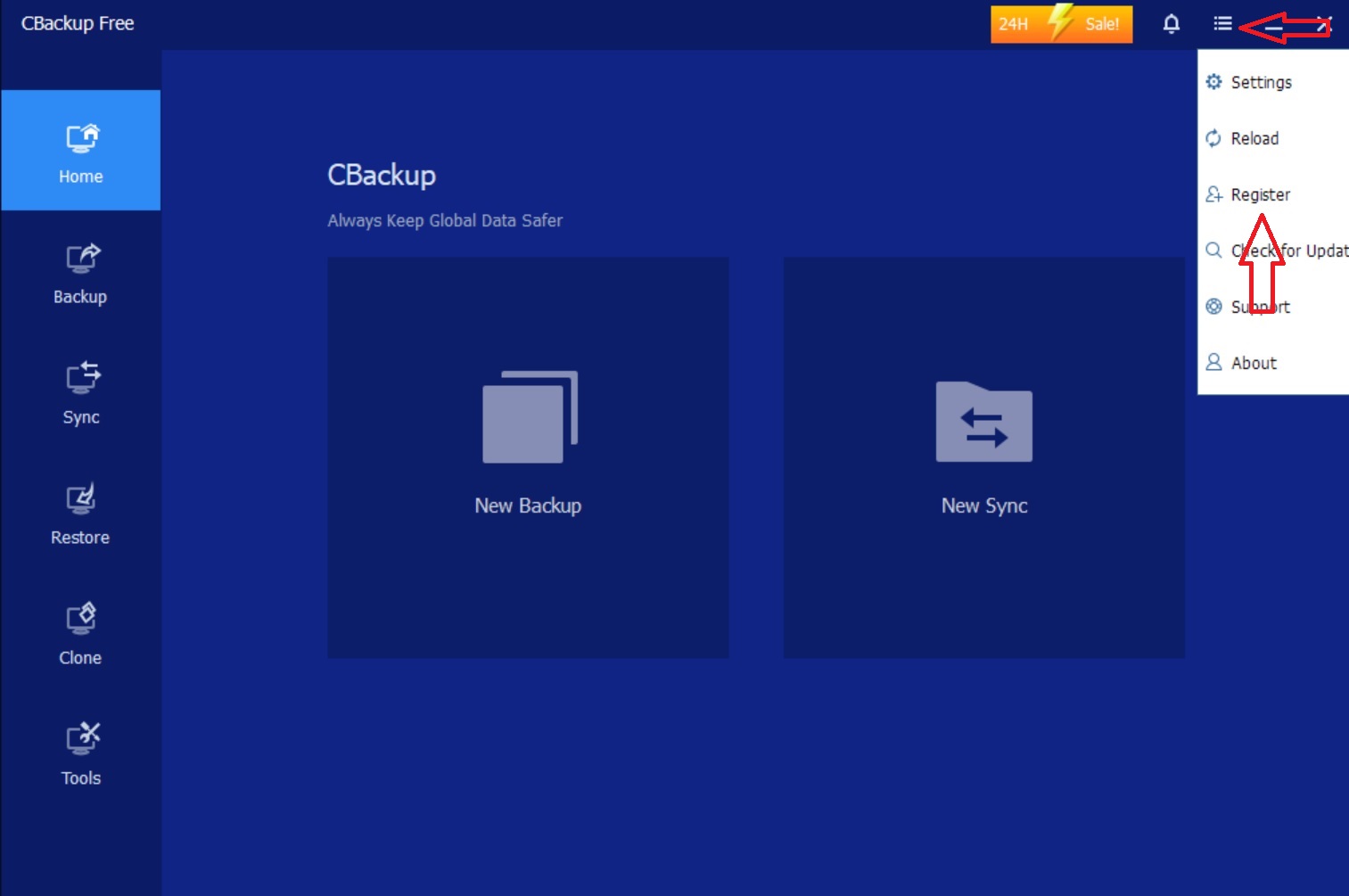
6. Close the window and go directly to the installed free version of CBackup. Click on the settings tab -> register
7. Enter the gift code you have copied at step 2 and click register
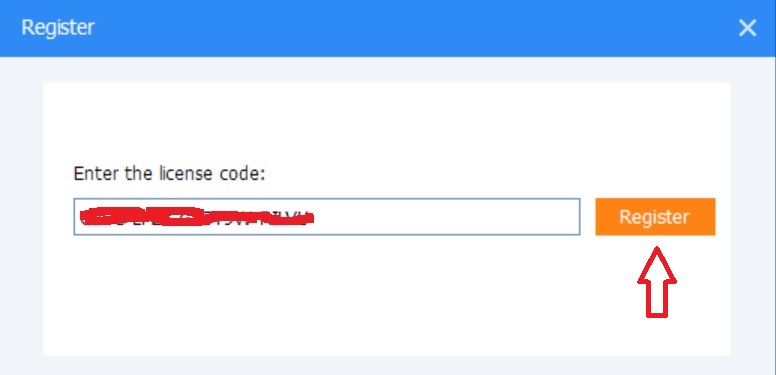
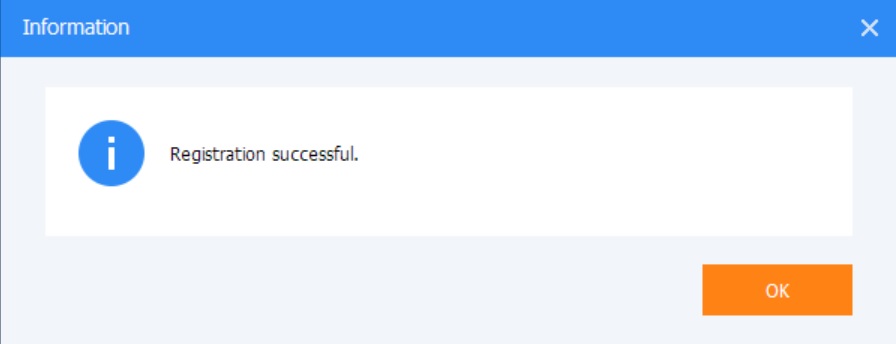
8. If the license code is active and not expired you should see a “successful registration” window as below