
 David Hamilton
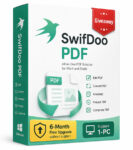
Hurry up to get SwifDoo PDF for Windows free of charge, get all-in-one PDF application designed for reading, editing, converting, annotating, organizing, signing, and protecting PDF documents. The giveway is time-limited!
- Comprehensive PDF toolkit
- Easy-to-use interface
- Strong editing capabilities
- OCR support
- AI-powered PDF tools
- Batch processing
- Security features
- Relatively affordable
- Lightweight
- Some advanced features require a paid plan
- AI features are separate from the standard Pro license
- Primarily aimed at Windows desktop workflows
SwifDoo Key Features
If you have visited this page, I believe you already know what the software is about but just in case I summarized the main features of SwifDoo and what makes it stand out of the crowd.
- PDF editing – Edit text, fonts, images, links, and other PDF content
- PDF annotation – Highlight, mark up, add text, and comment on documents
- PDF creation and reading – Create PDFs from blank pages, images, scans, files, and other sources
- PDF conversion – Convert PDFs to and from Word, Excel, PowerPoint, images, CAD formats, EPUB, and other formats
- OCR – Recognize text in scanned and image-based PDFs and make it searchable or editable
- Merge and split – Combine multiple PDFs or divide documents into individual pages or smaller files
- PDF compression – Reduce PDF file sizes while selecting the desired compression level and image quality
- PDF translation – Translate selected text or complete PDF documents while preserving formatting and layout. SwifDoo says its translation feature supports more than 100 languages
- AI PDF tools – Chat with PDFs, summarize content, explain information, translate, proofread, and rewrite text
- Batch processing – Convert, compress, encrypt, split, and print multiple PDF files in batches
- E-signatures – Create signatures by drawing, typing, or importing an image, as well as supporting digital signatures
- PDF security – Add passwords and permissions to restrict opening, copying, editing, or printing
- Watermarks – Add text or image watermarks and remove watermarks from PDF pages
- Page and image management – Insert, remove, reorder, and organize pages and add or edit images
- Printing tools – Support options such as booklet printing, double-sided printing, grayscale printing, and printing with comments
How to Get SwifDoo PDF Giveaway?
- Visit the official SwifDoo PDF giveaway page https://www.swifdoo.com/campaign/exclusive-giveaway or use the direct download link https://archive.swifdoo.com/
download/SwifdooInstaller_stable_en_home.exe (about 32 MB)
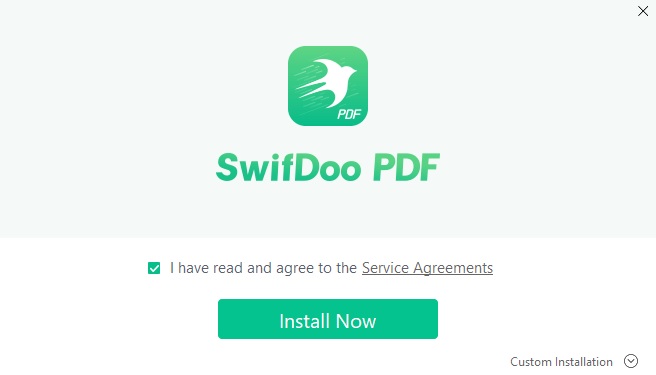
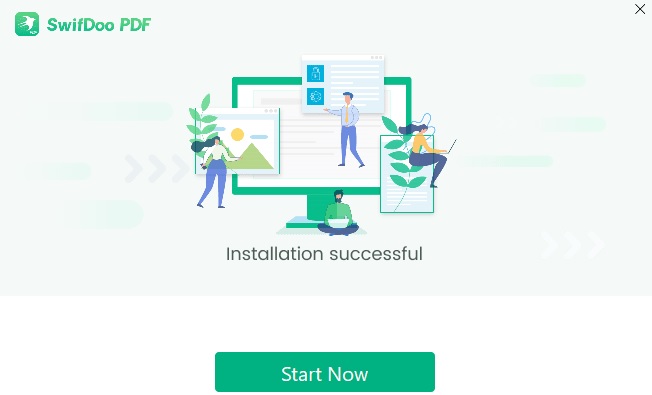
2. The first start of the application launches the SwifDoo PDF user guide. To activate the giveaway license you should click on “sign in” button at the top-right corner and create a free account with your email address first.
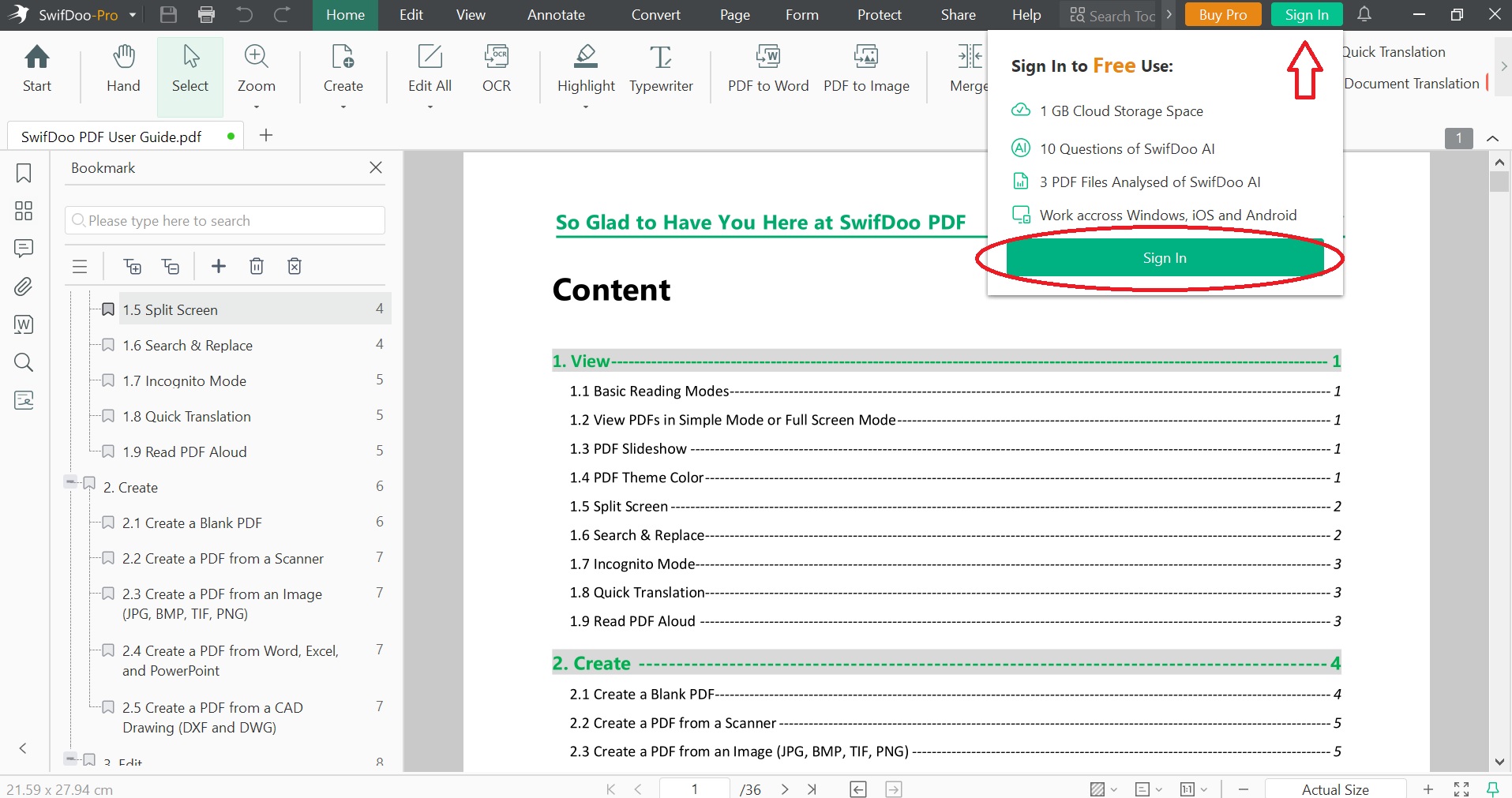
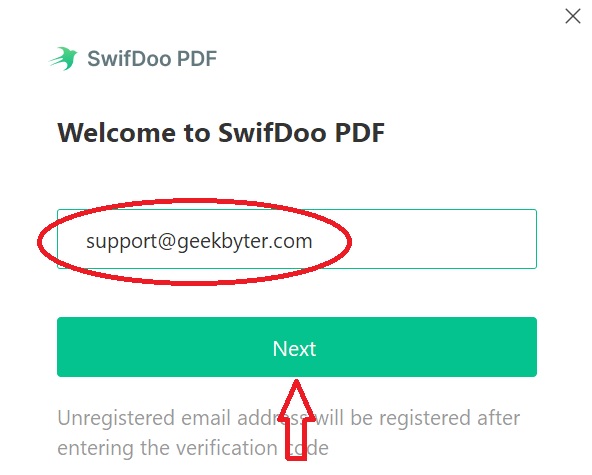
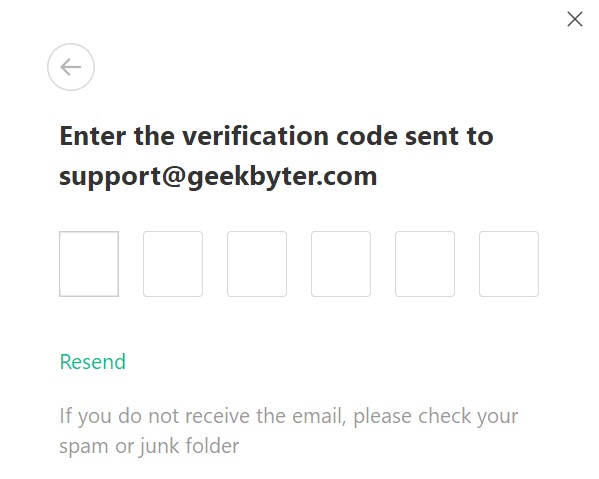
3. On the next step check your email address for verification code -> Verify your account with it -> set password for the account.
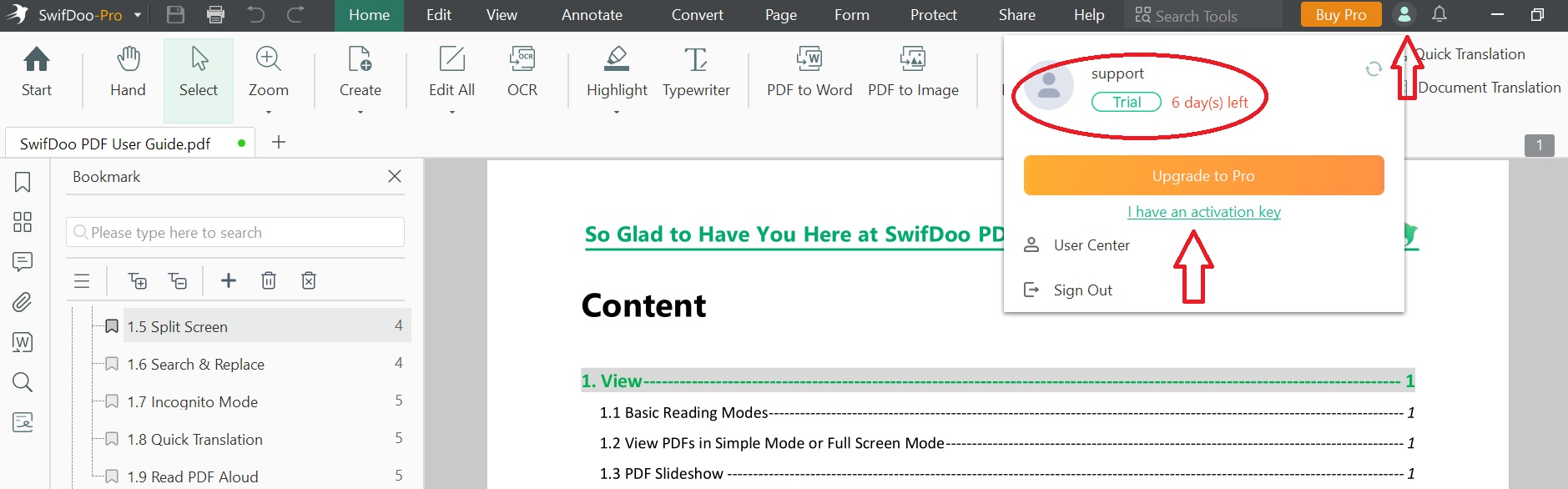
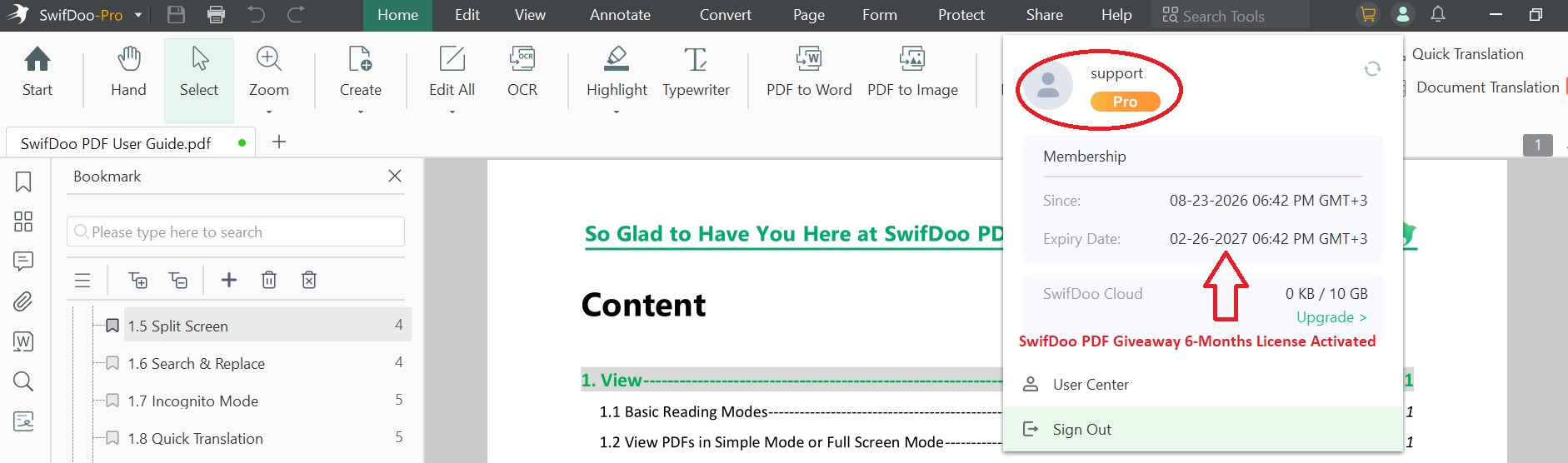
4. Now your 6-days free trial account is created. You have to copy SwifDoo gift code: m-swifdoo-augv26 -> click your avatar (next to “Buy Pro”) -> click on “I have an activattion key” -> paste the SwiftDoo giveaway gift code and hit “activate”.
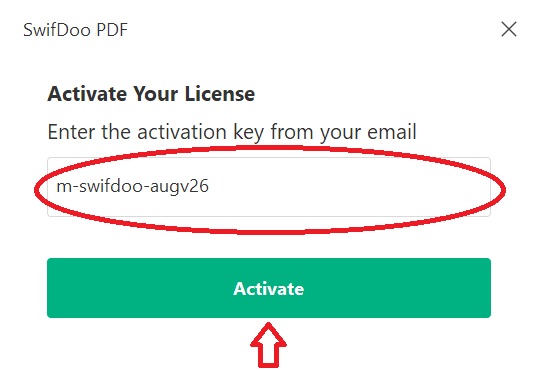
5. That’s all! Your SwifDoo PDF giveaway 6-months license activated.
What to do if SwifDoo PDF Giveaway has Expired?
There are more ways to have SwifDoo PDF free or almost free. First of all if the giveaway license has expired just recently try to contact the support team and ask them for the license, it may work. I would also recommend to check the official SwifDoo social media accounts to check free license availability.
Don’t forget about SwifDoo PDF deals and special promotions which the company runs from time to time. The discount during such holiday seasons like Black Friday, Halloween, New Year can be increased to 80-90% of the regular price.
Right now you can take advantage of upto 87% off with SwifDoo PDF licenses. Check our dedicated page with SwifDoo PDF coupon codes and deals.


What You Get With SwifDoo PDF Free 6-Months License
- Edit Text/Images/Links
- Convert PDF to Word/Excel/images/HTML
- Scanned PDF Searchable and Editable
- Add Watermark/Signature/Password to PDF
- Insert/Replace/Split/Rotate/Remove Pages
- Support 1-PC
- 6-Month Free Upgrade without support

