 David Hamilton
Download a free full version of Smart Game Booster (SVIP license) using an exclusive giveaway license code. Smart Game Booster is a Windows optimization utility designed to improve gaming performance by freeing up system resources, reducing background activity, monitoring hardware, and optimizing network connections for smoother gameplay. It combines game optimization, system maintenance, FPS monitoring, and gaming network acceleration in a single application.
- Easy one-click game optimization
- Closes unnecessary background processes and services
- Built-in FPS counter and hardware temperature monitoring
- Game launcher with automatic optimization
- Includes system cleanup and maintenance tools
- Supports automatic game detection
- Offers gaming network acceleration for supported online games
- Free version available with optional premium features
- Some advanced features (such as enhanced boosting and certain network acceleration capabilities) require a paid version
- Performance improvements vary depending on the PC’s hardware and system configuration
- GPU overclocking features may not be supported on all graphics cards
Smart Game Booster Key Features
- One-click Game Boost
- PC performance optimization
- Background process and service management
- Real-time FPS counter
- CPU and GPU temperature monitoring
- Hardware usage monitoring
- Game launcher
- Network acceleration for online gaming
- System cleanup and junk file removal
- Driver update tools
- Game compatibility checker (“Can I Run It”)
- Disk optimization and defragmentation tools
- Automatic game optimization (Auto Boost)
- Security and PC health diagnostics
- GPU performance enhancement (supported hardware)
How to Get Smart Game Booster Giveaway?
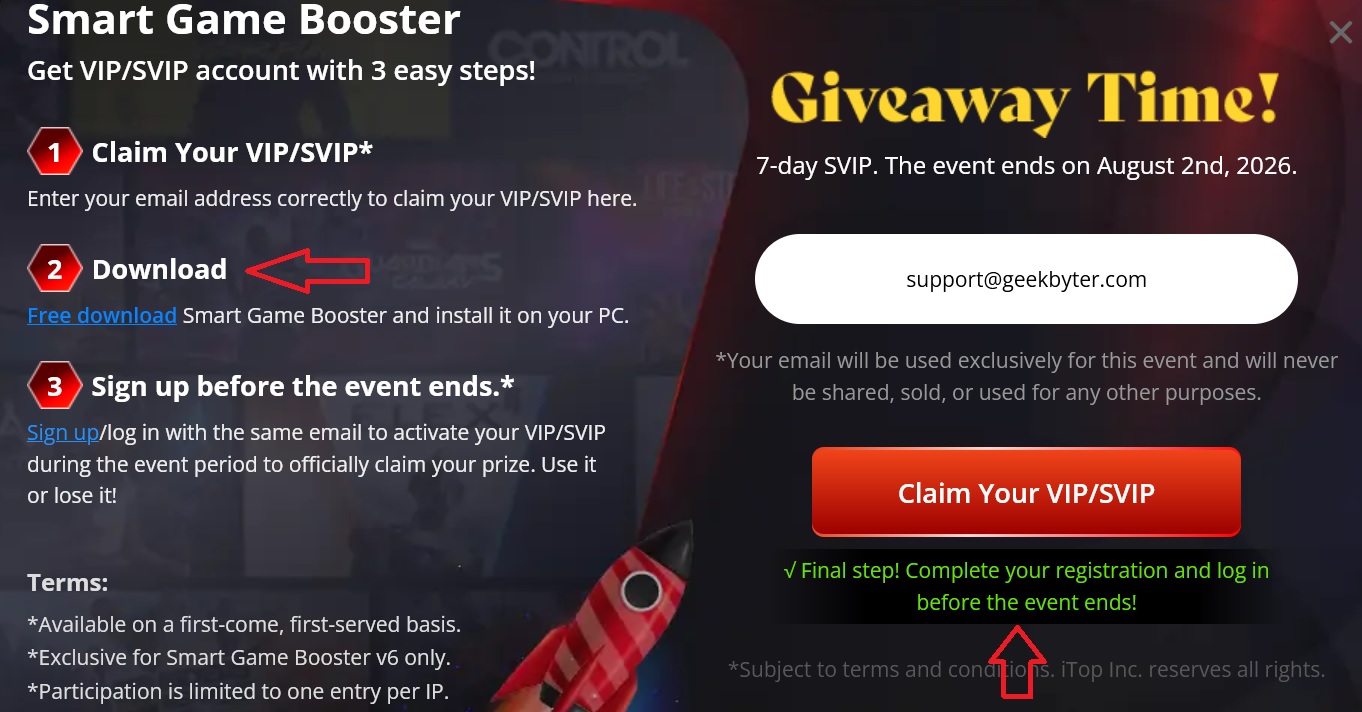
- Visit the official giveaway page at https://gamebooster.itopvpn.com/index.php?a_aid=618d346ae4cb9&mkt=UU4444UQUQFL enter your email address and hit “Claim Your VIP/SVIP”
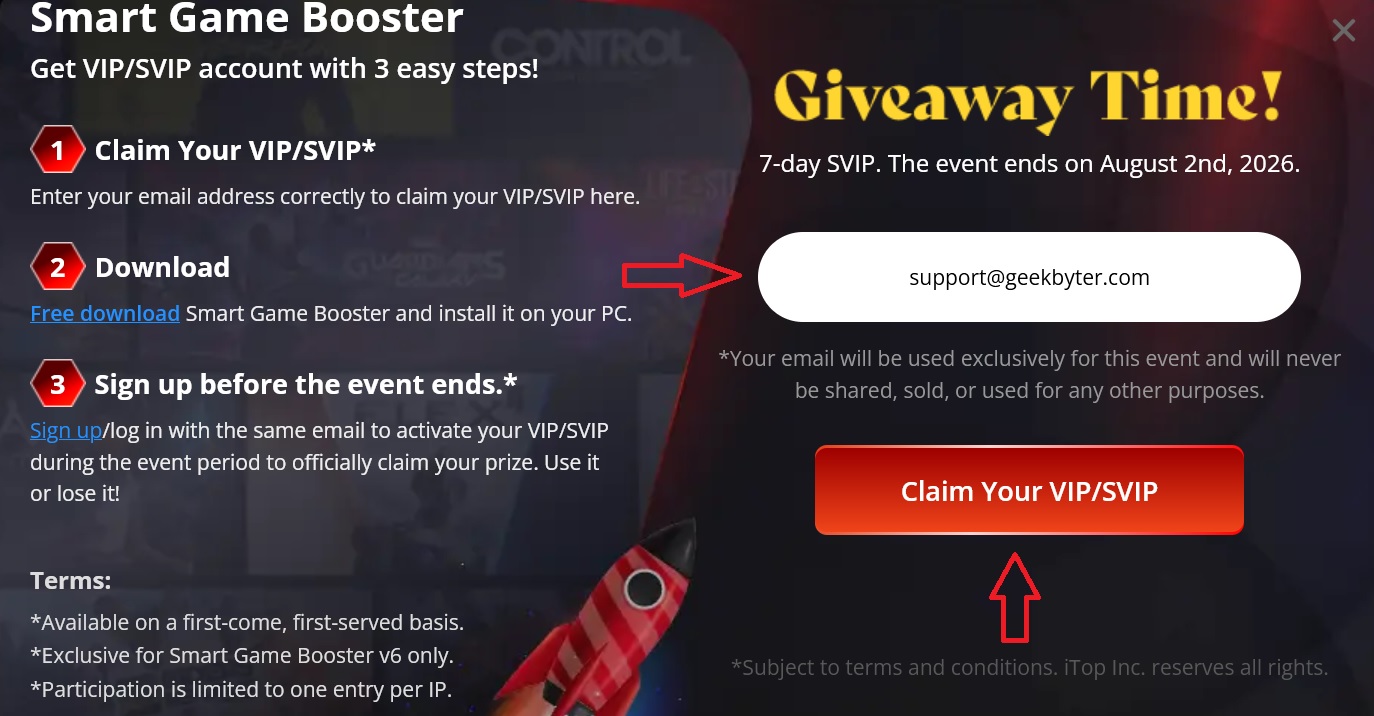
2. I haven’t received the confirmation email from iTop so I clicked “Free download”, about 89 MB of the installation file took a couple of minutes for complete download.
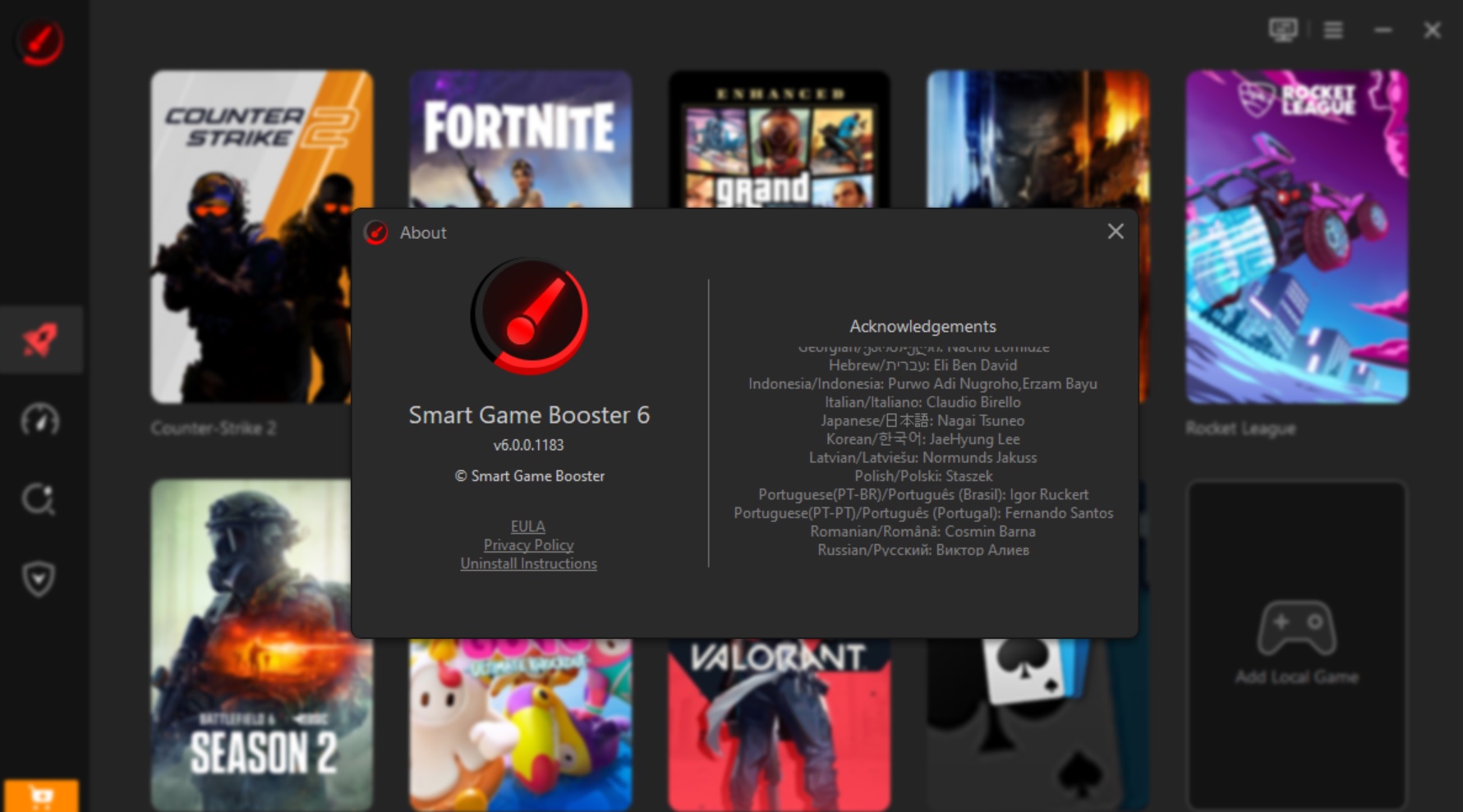
3. At the time of writting the latest version was 6.0. After the installation I saw the intuitive usage tips so I don’t think you will have any difficulties using Smart Game Booster.
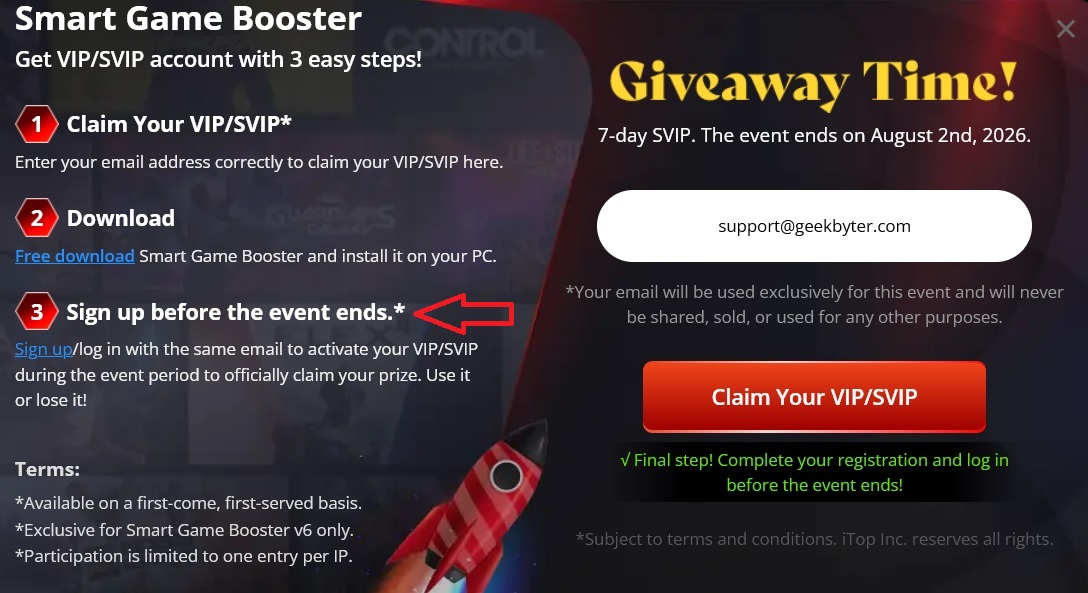
4. To activate the official giveaway go back to Smart Game Booster giveaway page and click “sign up/log in”
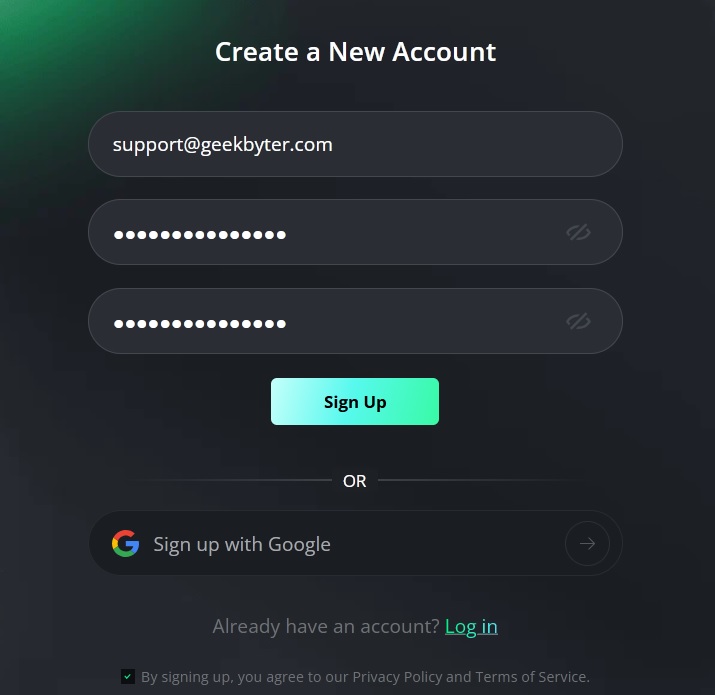
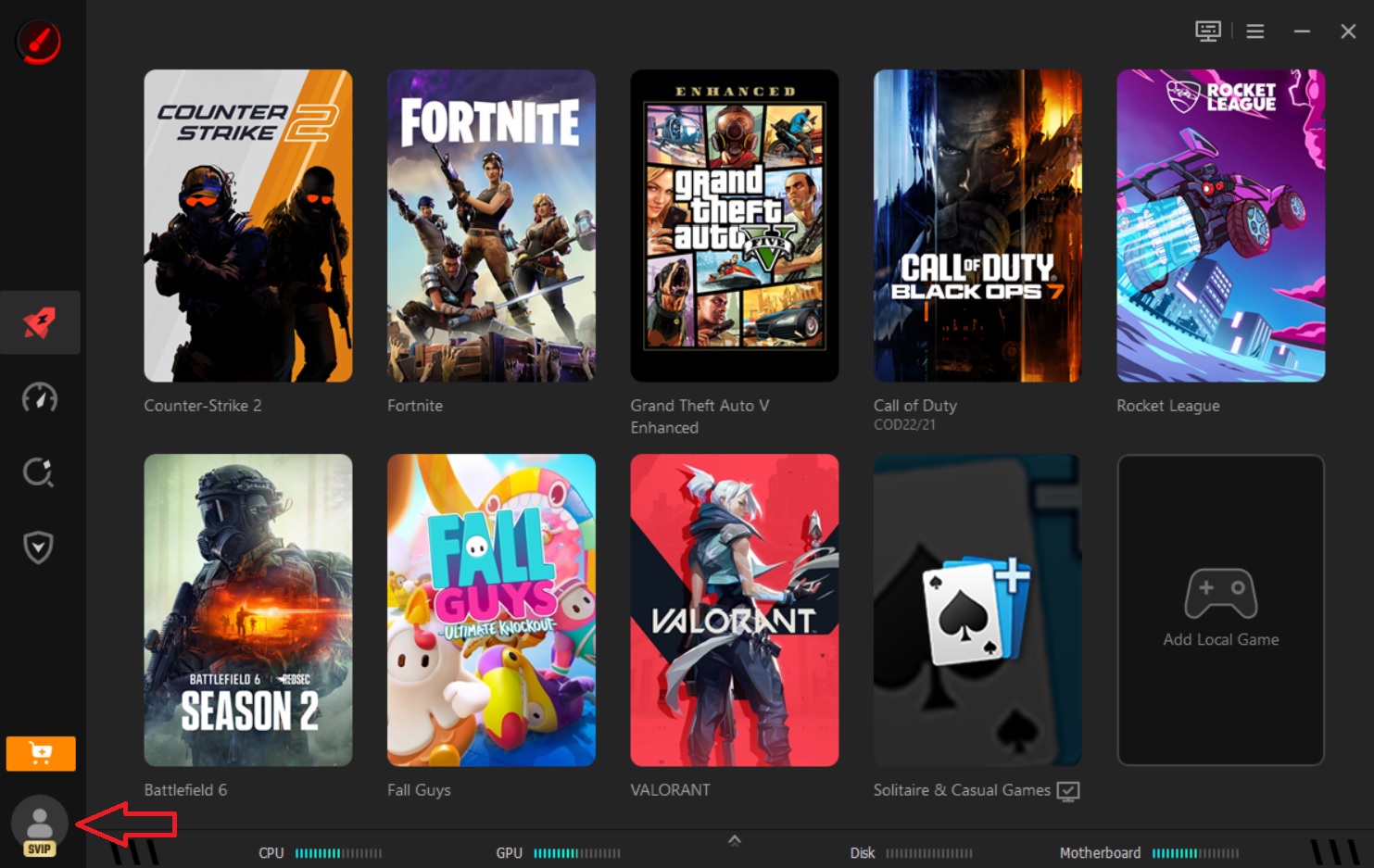
5. Then go to the application and hit SVIP icon on the left-down corner.
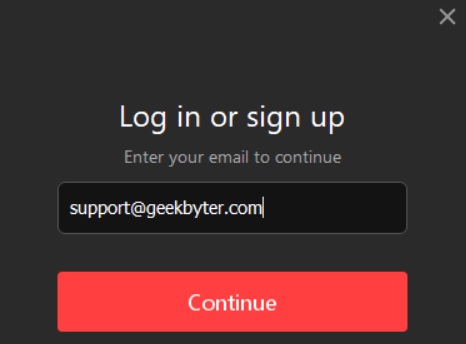
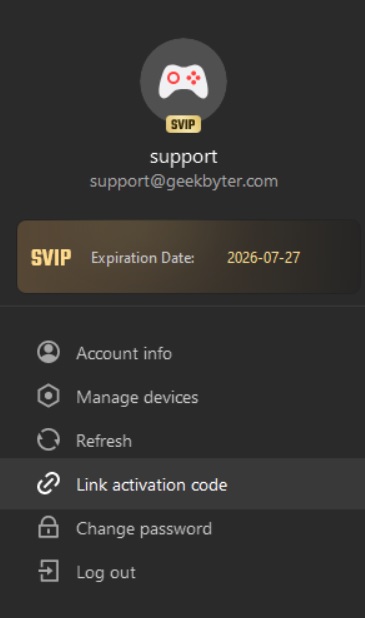
6. That’s all! Your Free 7-day Smart Game Booster SVIP giveaway account is activated.
What to do if Smart Game Booster Giveaway Has Expired?
You may try to contact iTop company directly through their support page and ask for a free trial version or a giveaway version for testing purposes. Another working ways are to surf the company’s official Facebook account, look through Reddit’s accounts and dedicated forums.
A good they to save money is to use special deals and discount codes which can help you save upto 90% of the regular price. Check iTop promo codes page to find some exclusive deals.
Smart Game Booster 8 Myths vs Facts
Smart Game Booster optimizes your PC by reducing unnecessary background activity, managing system resources, updating drivers, and offering GPU optimization features. Performance improvements depend on your hardware, game, and system condition.
Realistic expectations help you get the most from the software. It’s designed to optimize existing hardware—not replace it.
While lower-end PCs often benefit the most, modern gaming PCs can also gain from background process optimization, driver updates, hardware monitoring, and network acceleration.
Even powerful systems can lose performance to unnecessary background apps, outdated drivers, or unstable network routing.
Fact: Background applications consume CPU cycles, RAM, storage bandwidth, and network resources. Smart Game Booster automatically disables unnecessary processes while gaming to free resources.
More available system resources can reduce stuttering, shorten loading times, and improve gameplay consistency.
Ping can also be affected by routing, congestion, packet loss, and ISP limitations. Smart Game Booster includes network acceleration designed to optimize game traffic through dedicated routes for supported games.
Lower latency means faster response times, smoother online matches, and fewer frustrating lag spikes.
Smart Game Booster focuses on optimizing Windows performance and network conditions rather than modifying game files or gameplay mechanics.
System optimization tools are fundamentally different from cheats because they don’t alter how the game itself works.
Updated graphics and audio drivers often improve compatibility, stability, and performance in newer games. Smart Game Booster includes driver update capabilities.
Keeping drivers current can reduce crashes, graphical issues, and performance bottlenecks.
Smart Game Booster combines PC optimization, FPS monitoring, temperature monitoring, driver management, gameplay recording, compatibility checking, and network acceleration in one application.
Using one integrated tool makes it easier to prepare your PC before gaming without switching between multiple utilities.
Smart Game Booster simplifies optimization with one-click and automatic gaming modes, but the results still depend on your PC configuration, hardware, game settings, and internet connection.
Understanding the factors affecting performance helps you combine software optimization with appropriate graphics settings and hardware upgrades when needed.